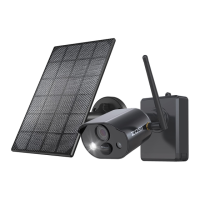
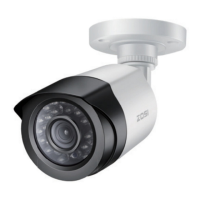
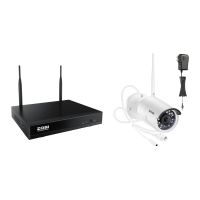
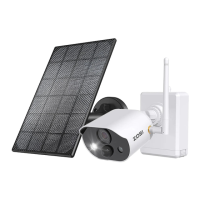
Need help?
Do you have a question about the ZOSI C518 and is the answer not in the manual?
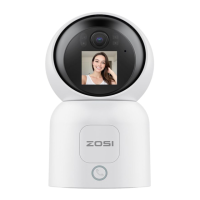
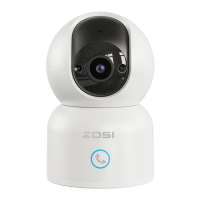
Access live video, control camera movement, capture screenshots, and use two-way audio via the VSees App.
Enable one-touch calling and two-way audio conversations with family through the camera and VSees App.
Automatic night vision with built-in IR LEDs for clear visibility in low-light conditions.
Supports recording playback via Micro SD card or cloud storage subscription.
Detects motion or human presence, sending instant alarm notifications to the connected app.
Uses AI algorithms to automatically track and keep human subjects in focus within the monitoring area.
Step-by-step guide for installing a Micro SD card, including format and speed requirements.
Instructions for downloading and installing the VSees mobile application on your smartphone.
Steps to register an account, log in, and add the C518 camera to the VSees App.
Guide to adding the camera by scanning a QR code generated on your smartphone via the VSees App.
Guide to adding the camera by connecting to its temporary AP hotspot for initial network configuration.
Key considerations before installing, including confirming device addition to the app.
Detailed instructions for securely mounting the camera on a ceiling or wall using the provided kit.
Visual representation of the wall-mounted and ceiling installation steps, showing plate attachment and camera securing.
Essential safety guidelines, environmental warnings, and electrical compliance for device operation.
Answers to common issues like device connectivity, video file retrieval, and feature inquiries.
FCC compliance, EU declaration, and responsible product disposal guidelines for environmental safety.
 General
| Lens | 3.6mm |
|---|---|
| Viewing Angle | 90° |
| Weather Resistance | IP66 |
| Video Compression | H.265+ |
| Power Supply | DC 12V |
| Motion Detection | Yes |
| Resolution | 1920 x 1080 |
| Night Vision | Up to 65ft (20m) with IR LEDs |
| Storage | Up to 128GB Micro SD card |
| Remote Access | Yes, via ZOSI Smart app |

 To Next Page