6. Change Your Device Settings
You can change the device settings by logging in to the
configuration web page.
1. Touch >Advanced Setting to get thedefault device
manager website URLandpassword.
2. Launch the Internet browser. Enter the URL in the Address
bar.
3. Click Login.
4. Input the password, click Login and then you can change
the default settings.
NOTE:
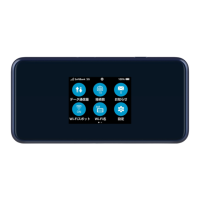
You can also change some settings by touching the screen.
7


 To Next Page