37
To switch the keyboard layout:
1. Touch > > Settings > Language & input >
(TouchPal Keyboard) > Keyboard layout.
2. Check Swipe layout.
3. In the TouchPal keyboard screen, touch and clear the
Curve box, and then touch Close.
4. Swipe left or right on the TouchPal keyboard to select the Full
QWERTY, 12-Key PhonePad or CooTek T+ layout.
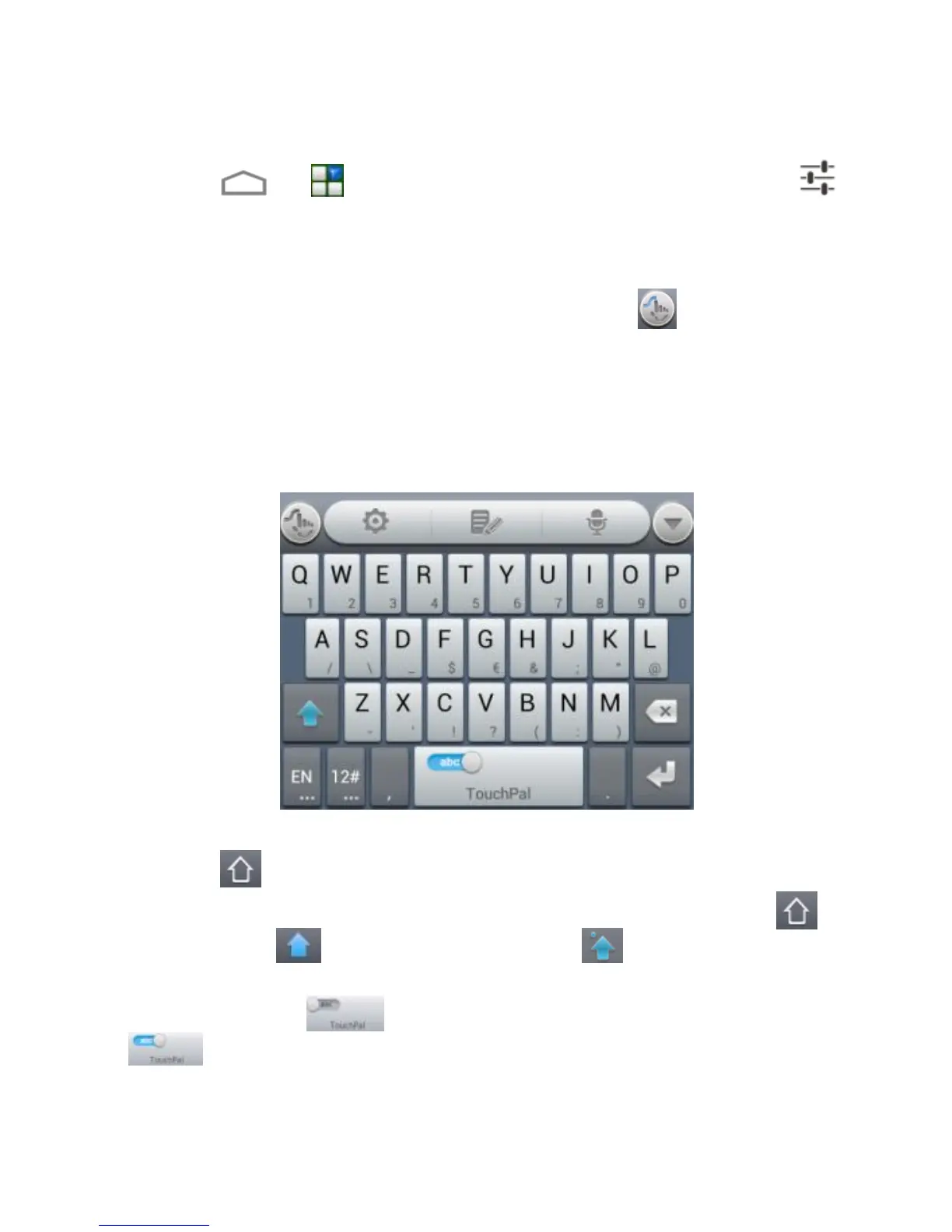
Full QWERTY
Touch the alphabetic keys to enter letters.
Touch to use uppercase or lowercase. This key also
changes to indicate the current case you are using: for
lowercase, for uppercase, and when locked in
uppercase.
Slide right on to enable word prediction. Slide left on
to disable word prediction.



 To Next Page