38
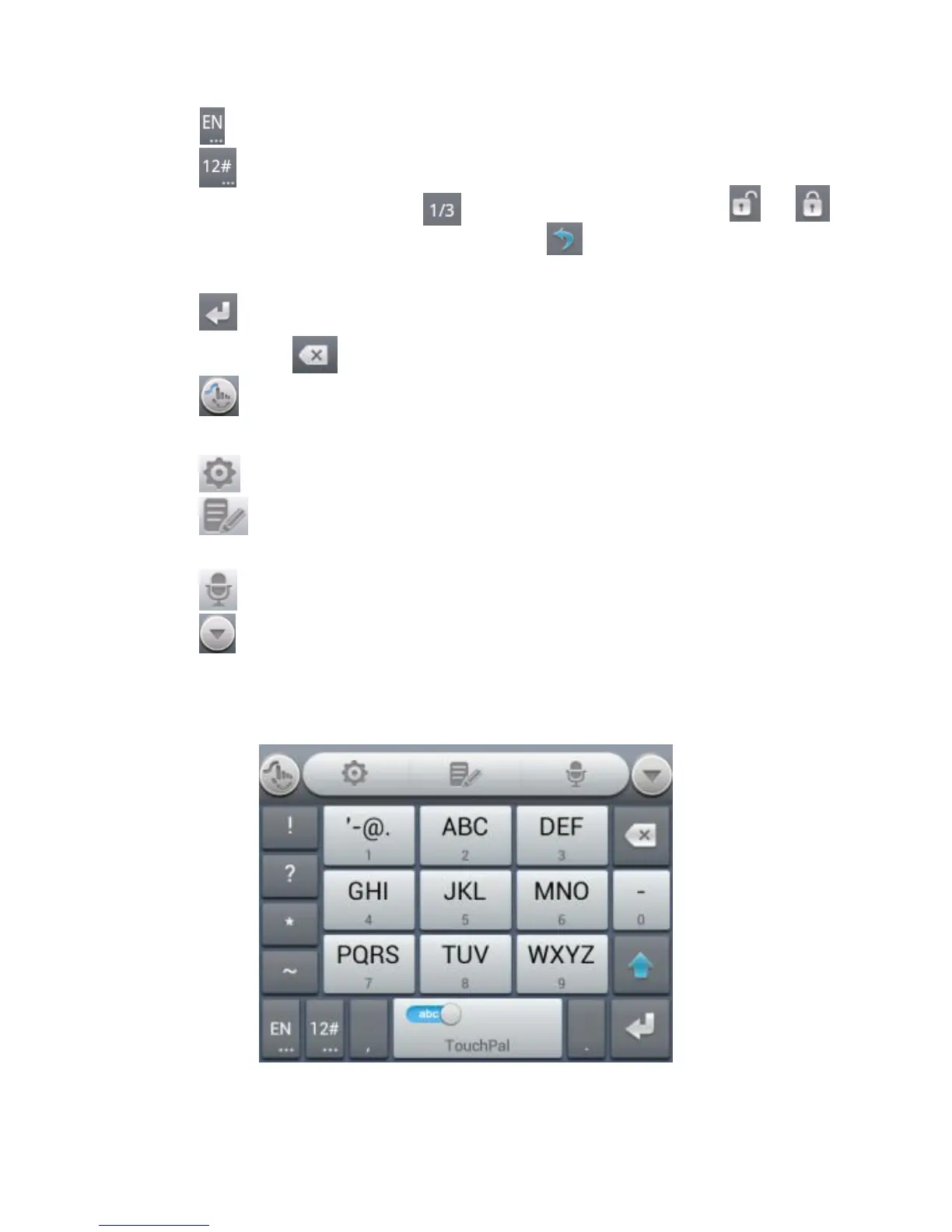
Touch to change input language.
Touch to enter digits, symbols, emoticons and other
pre-defined texts. Touch to find more. Touch / to
lock or unlock the inputting. Touch to go back to enter
letters.
Touch to start a new line.
Touch or hold to delete text before the cursor.
Touch to access the quick settings of TouchPal
keyboard.
Touch to set the TouchPal keyboard.
Touch to open text editing options. You can select, cut,
copy, paste, and delete text, or move the cursor.
Touch to use voice input.
Touch to hide the onscreen keyboard. You can touch the
text field again to show the keyboard.
12-Key PhonePad



 To Next Page