5
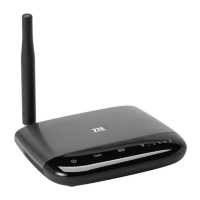
GETTING TO KNOW YOUR DEVICE
4
GETTING TO KNOW YOUR DEVICE
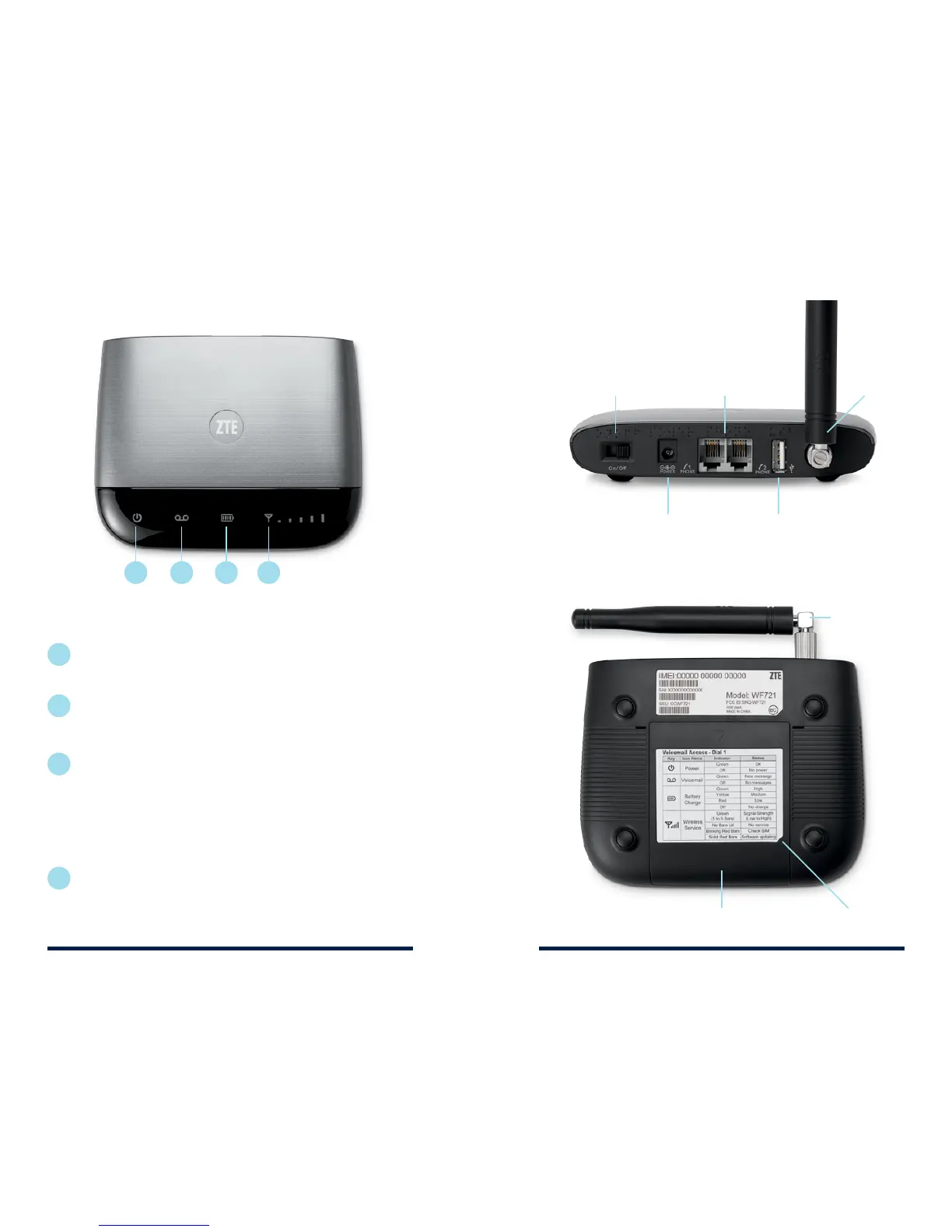
Power
Battery cover
Icon key
Voicemail
Battery
charge
Signal
strength
• Solid green: On
• Light o: No power
• Blinking green: New message waiting
• Light o: No new messages
• Solid green: High
• Solid yellow: Medium
• Solid red: Low
• Blinking light (any color): Battery currently in use
• Rapid blinking red: No battery installed
• Light o: No charge
• Solid green (1–5 bars): Signal strength (low to high)
• Blinking red: Check SIM card
• Light o: No service
1
2
3
4
1
2
3 4
On/O switch Phone ports
Service port
Antenna
Power input
GETTING TO KNOW YOUR DEVICE
LED INDICATORS
BACK OF UNIT
BOTTOM OF UNIT
Antenna


 To Next Page