Getting to know your device
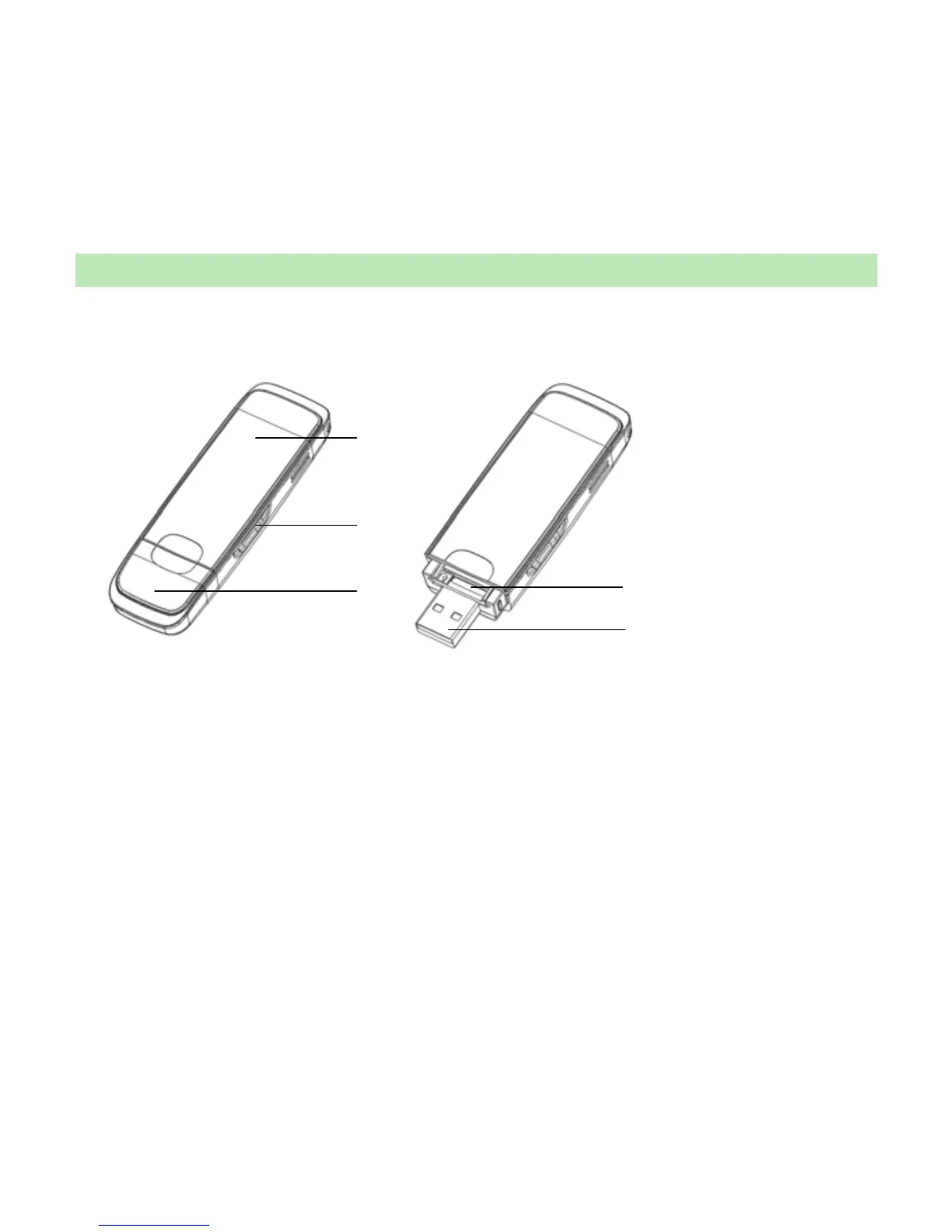
The following figure shows the appearance of the MF628. It is only for your reference. The
actual product may be different.
○
1
Indicator
○
1
○
2
○
3
○
4
○
5
It indicates your modem status.
○
2
Memory card slot (microSD card)
It is where you insert memory card (microSD card).
○
3
Modem cap
It helps your modem USB port when it is not used.
○
4
SIM/USIM card slot
It is where you insert the subscriber identity module/UMTS subscriber identity module
(SIM/USIM) card
○
5
USB port
Connect your modem to the laptop or desktop computer.



 To Next Page