Set up your modem
1) Insert the SIM/USIM card into the USB modem
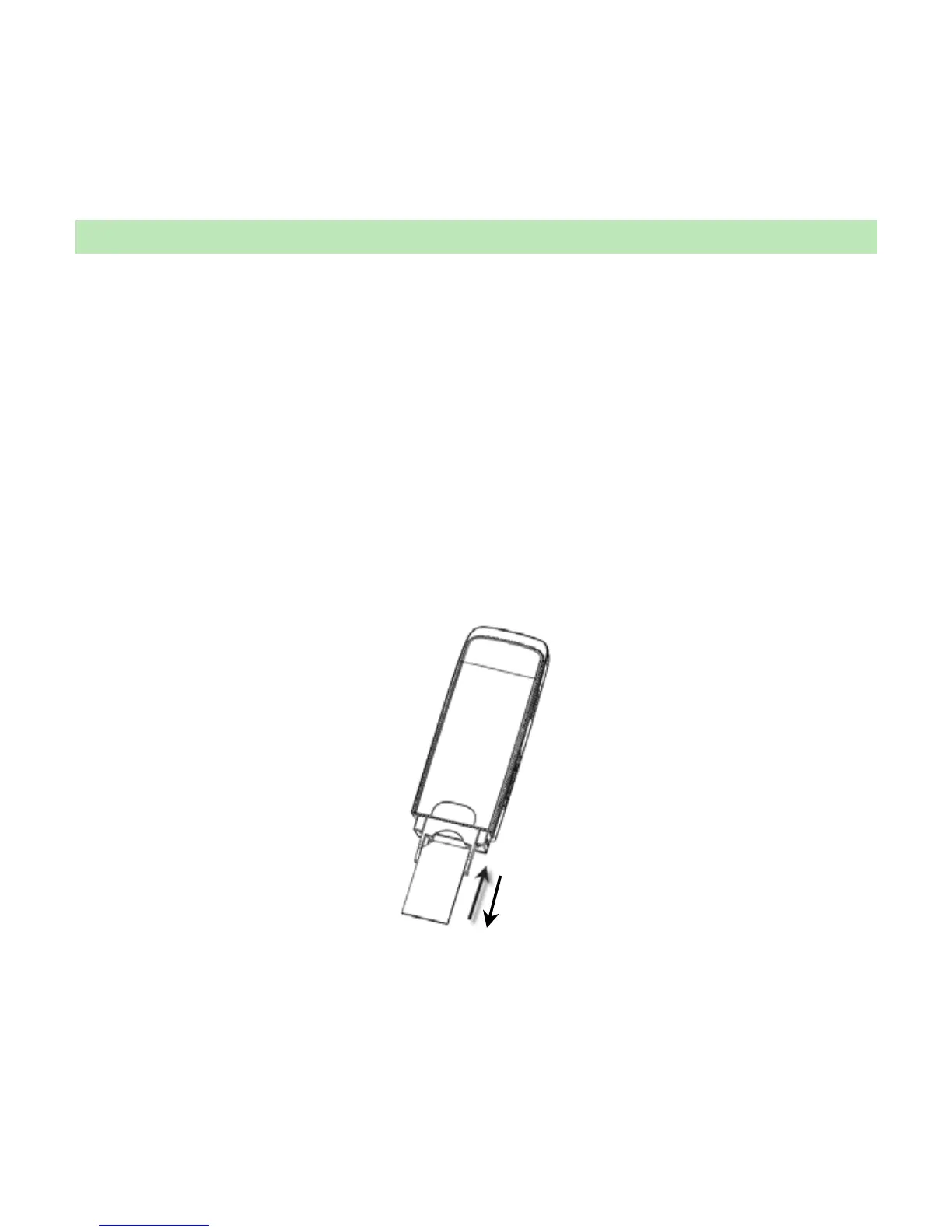
To install SIM/USIM card
z First take down the modem cap, then the USB connector is visible.
z Pull the plastic socket above the USB connector out.
Note: Do not pull the USIM socket rudely for the socket is fixed with the modem.
Otherwise the socket will get damaged.
z Then insert the SIM/USIM card into the socket, here make sure that metal contact area
facing to the modem.
z Insert the plastic socket into the modem. You can hear a click when the SIM/USIM



 To Next Page