card locks into place.
To Remove the SIM/USIM card from the USB modem
z First take down the modem cap.
z Pull the plastic socket slightly, and you can hear a click when the SIM/USIM card
gets unlocked.
z Take off the SIM/USIM card.
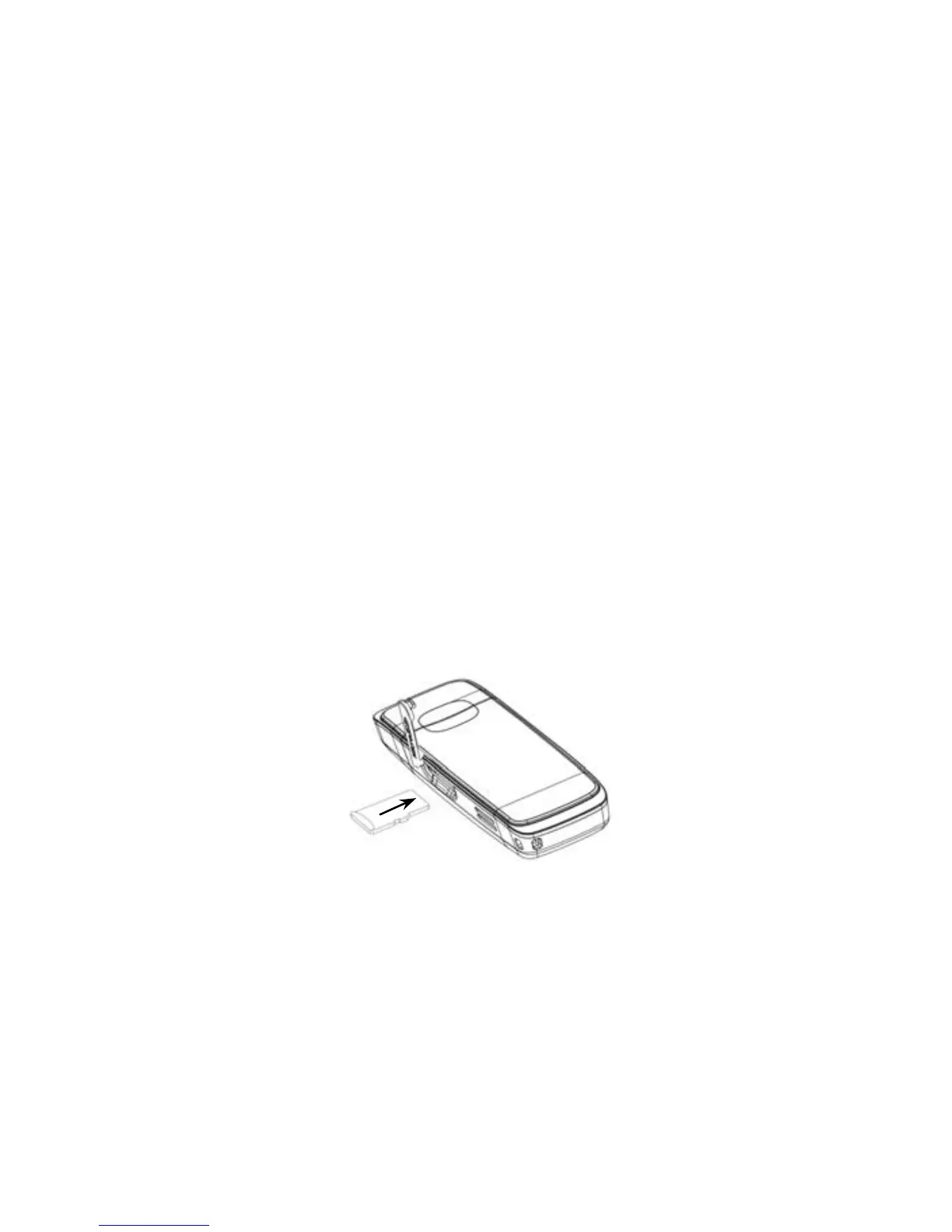
2) Install the microSD card into the USB modem:
Install microSD card in the USB modem, if you want to use it.
Insert the microSD into the microSD slot from the side of the modem, the following
picture indicates the correct inserting direction.
The driver of the microSD card will installed automatically when the modem driver is
installed.
3) Connect the USB modem to your PC:



 To Next Page