2
Getting to Know Your Device
Appearance
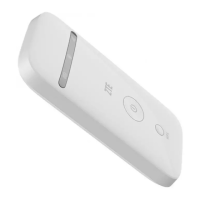
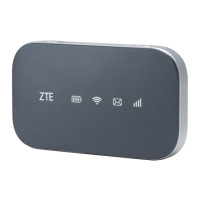
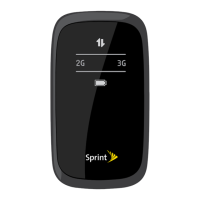
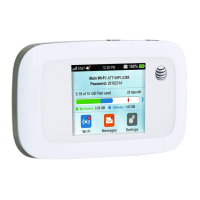
The following figure is for your reference only.
1. Charging/micro-USB jack
2. Indicator light
3. Power key
Press and hold for about 3 seconds to power on/off your
device.
Press and hold for about 10 seconds to restart your
device.
5. WPS key
Press and hold for 3 seconds to activate the WPS function.
6. micro-SIM card slot and reset hole
Getting to Know Your Device


 To Next Page