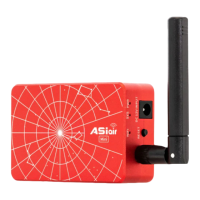
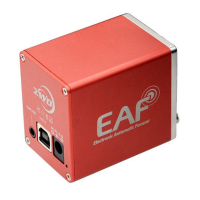
1.Connect your EAF to either a PC or ASIAIR using the USB port.
2.Attach an optional temperature probe or hand controller as
required.
3.Connect 12V DC to the power socket.
4.Install ASCOM drivers as required.
Software Installation and Configuration
ASCOM Installation
The latest version of ASICAP has native support for the EAF. Other
software packages will require the use of an ASCOM driver.
EAF ASCOM drivers can be found on the ZWO website:
https://astronomy-imaging-camera.com/software-drivers
Download and install the ASCOM driver and launch the EAF
dashboard from within your astronomy software.


 To Next Page