X10 SIP Paging Gateway User Guide
3. Login the Device
3.1 Accessing the Web GUI
X10 obtains the IP address through DHCP by default, please ensure that there is an available
DHCP server in your LAN (If DHCP fails to obtain an address, it will use a static IP address:
192.168.1.101), or press and hold the volume up and down keys simultaneously to listen to
the device's IP address broadcast, and enter the IP address in the browser to access the
device's Web management interface.
Default username: admin
Default password: admin
For the safety purpose, it is recommended to change the default password on the first login,
please go to System --> Password Settings page to change the password.
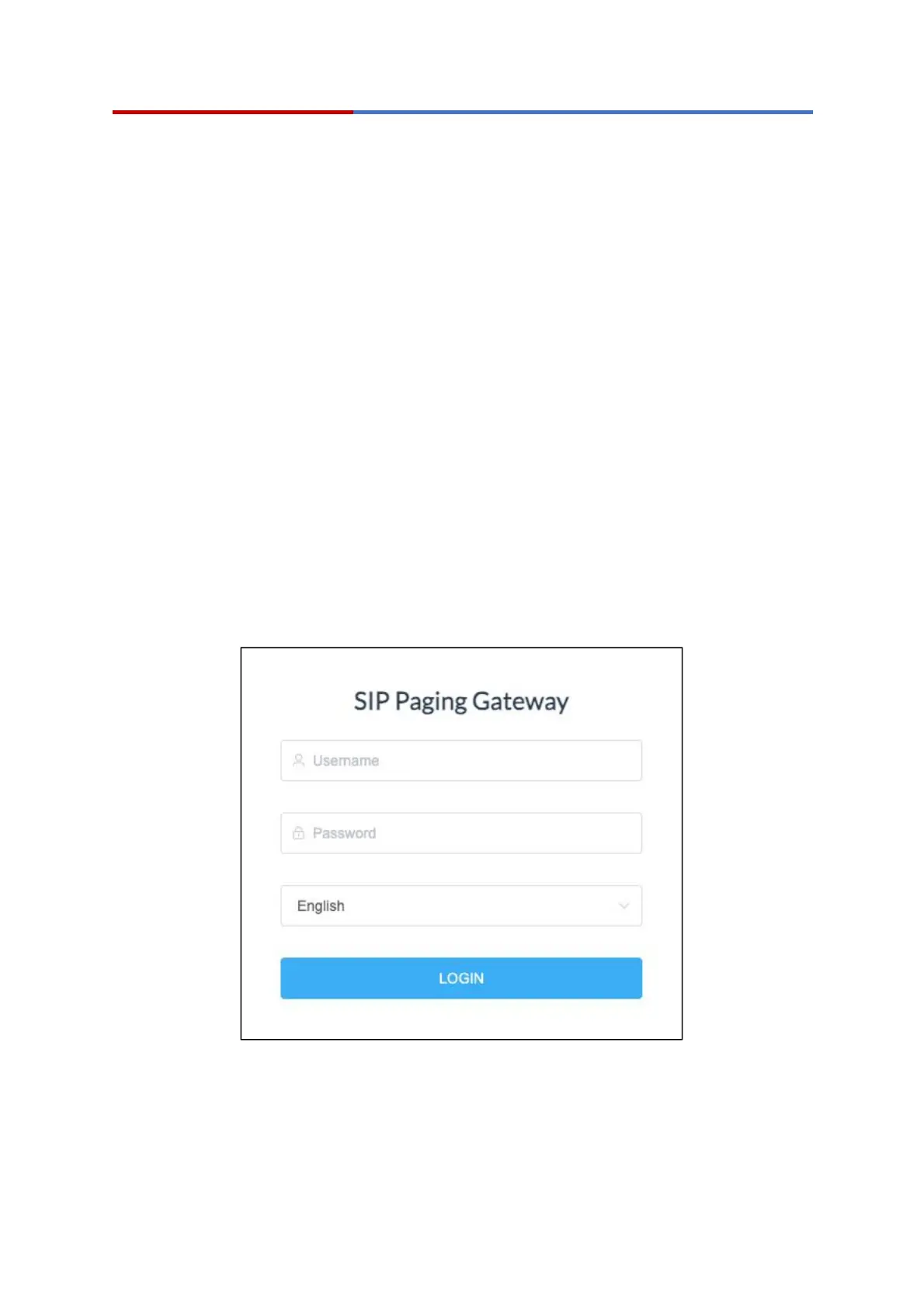
Login Interface
After entering the correct username and password, you can log in to the device's web
management interface.


 To Next Page