-13-
10. Indoor Unit Parameter Setting
How to enter the installation setting page
When you want to set the monitor parameter, you must to know the setting code.
How to know the machine code
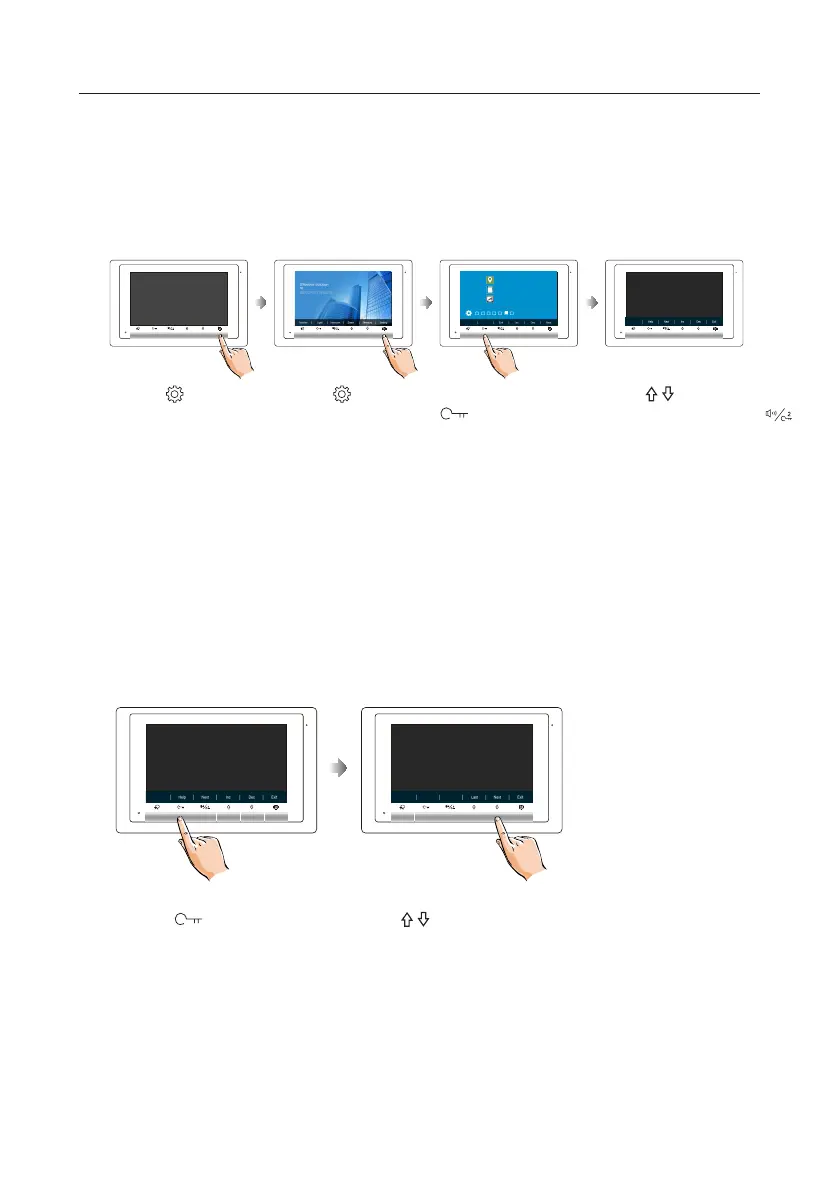
1.Press Setting
button in standby
mode.
2.Press Setting
button six times.
3.Press and hold
Unlock button
for 3s.
4.Use / button to increase
/ decrease the value; use
button to select next digital.
Six times
(1) (2) (3) (4)
[0000]
01.00
00.01.01
AUTO
1.Press Unlock(Help)
button in installation setting
page.
4.Use / button to search the
code you want.
[0000]
2419: Restore To Default
2424: RM Parameter Set
3006-3600: Monitor Time
8008-8009: Date Mode



 To Next Page