Set-up of a 2N door station with a PEAKnx touch panel
13
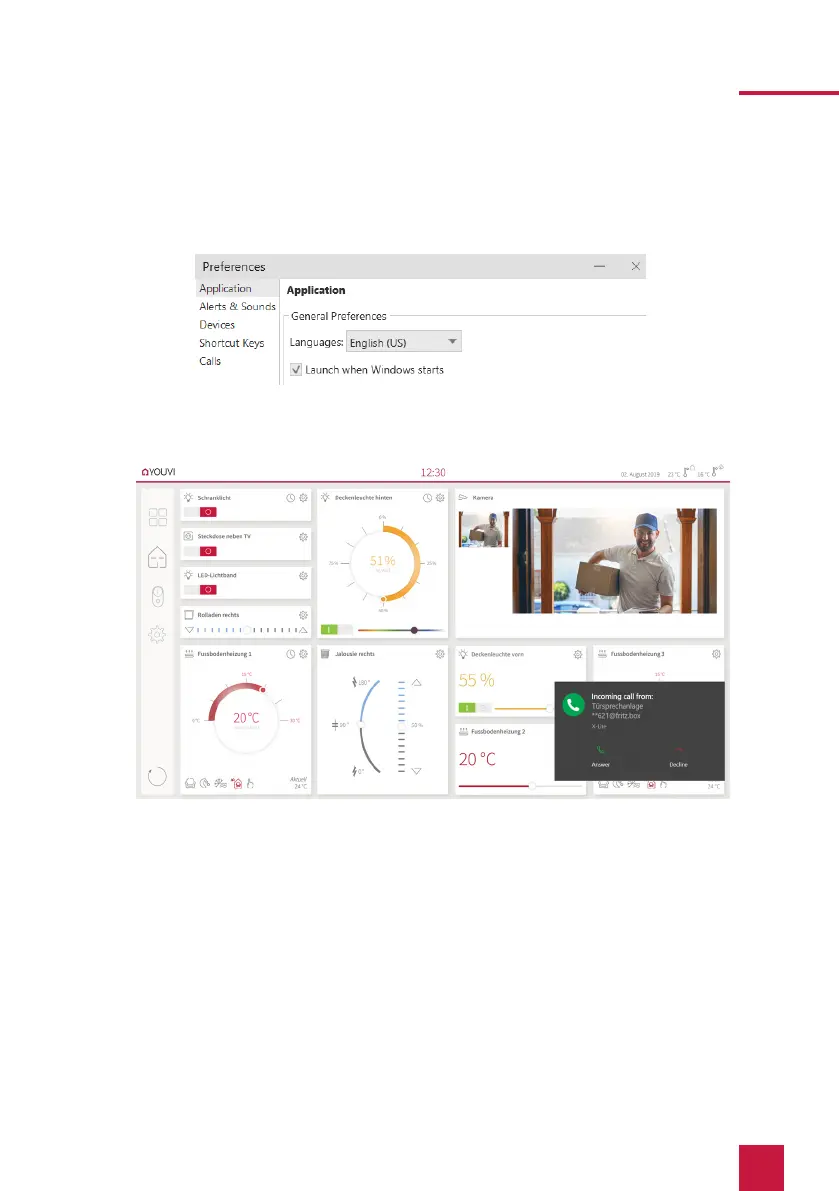
26. To ensure that the Bria Solo Free App starts automatically when the system is
rebooted, open the settings under Softphone > Preferences and check “Launch when
Windows starts”.
27. To test the correctness of these settings, press the bell on your 2N door station. After a
few seconds, your PEAKnx touch panel should display an incoming call notification.
4. Technical Support
If you experience problems with your Controlmini or Controlpro please contact our PEAKnx
Support Team:
ж
Mail: support@peaknx.com
ж
Create a Support Ticket: support.peaknx.com/?lang=en_US
ж
Tel.: +49-6151-279 1825



 To Next Page