Set-up of a 2N door station with a PEAKnx touch panel
5
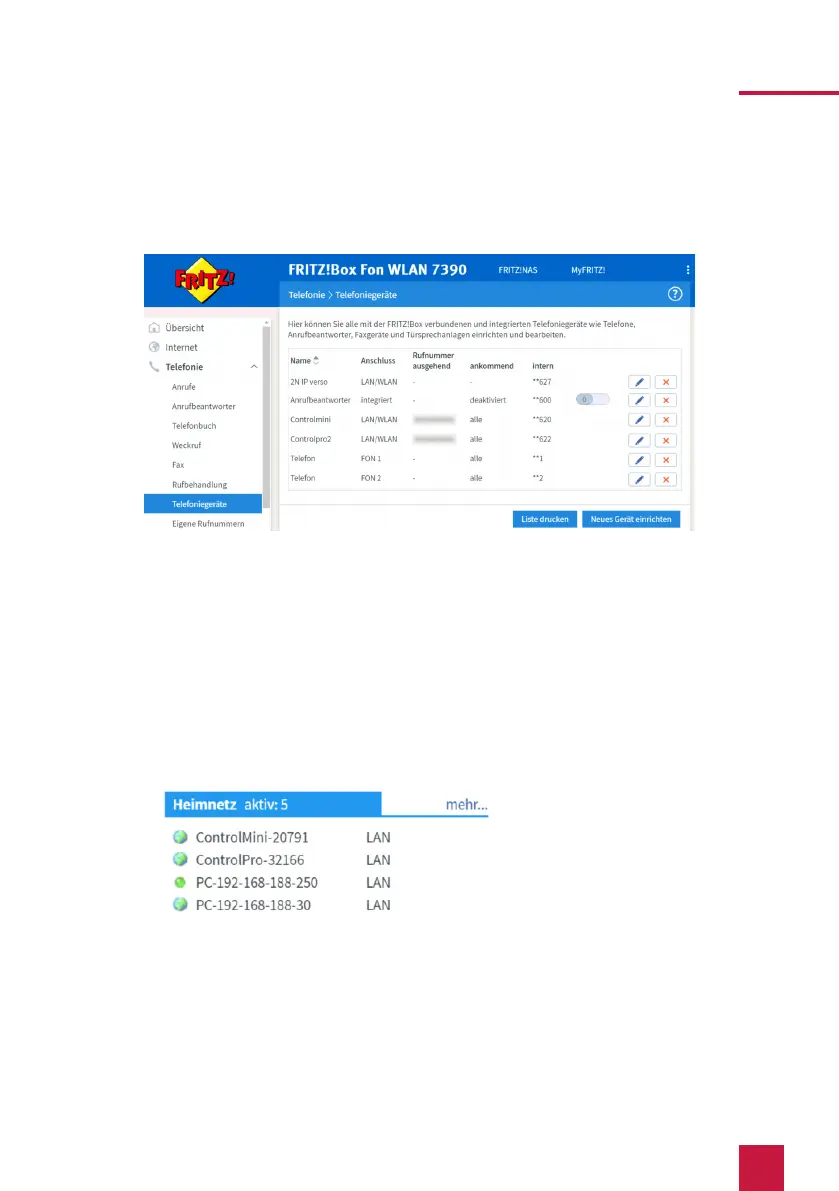
phone number” and enter the phone number “** xxx” of the Controlmini in the
Fritzbox. In this example, that would be the “** 620”.
13. You will get an overview, which you can confirm with “Apply”.
2. Setting up the 2N IP Verso door intercom
1. Connect the 2N device to a PoE-enabled switch on your network.
2. To be able to set up the IP Verso, you must enter its IP address into your browser. It is
also specified in the instructions of the door station, e.g.: 192.168.188.30.
ж
At fritz.box under Overview > Home network, the active clients/devices are dis-
played. Here you will also find the IP address of the door intercom. Enter it in the
browser to reach the configuration page of the door station.
3. The default user name is: “Admin”, the password is “2n”.
4. You can set the languages at the top right corner of the page.
5. Under Services > Phone > SIP 1 you will find the SIP settings.



 To Next Page