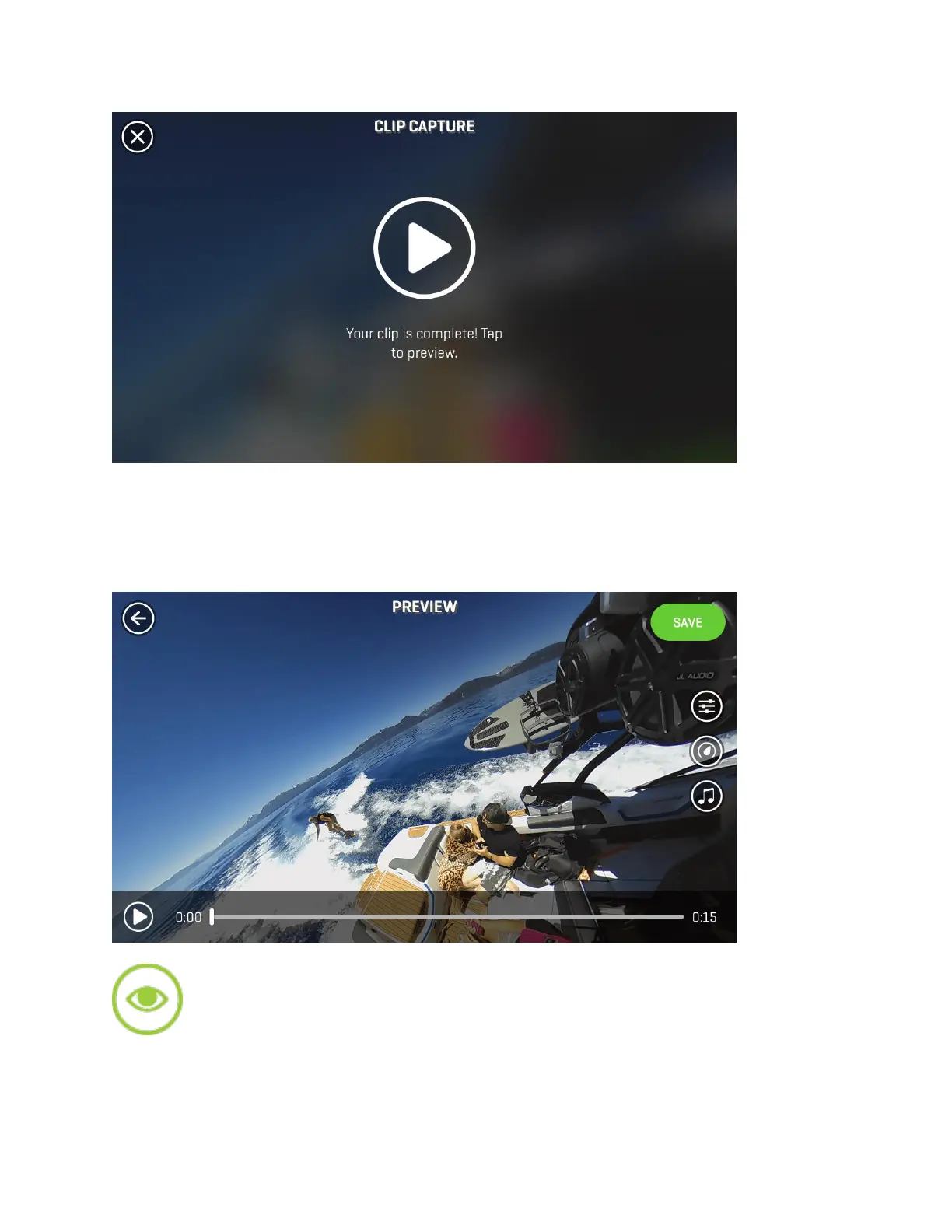
Once your video completely processes, you can click to preview. In the Preview menu you’ll
have the ability to add music, color filters, or apply slow and fast motion to the video, to create
an awesome, fully immersive 360° clip. See below for more details on adding music, filters, and
playback speed adjustment.
Watch Me: Create a standard 16:9 ratio clip from your original 360° footage. Use the
Watch Me tool to record your movements as you pan left and right within the video. Wherever
you swipe, shift and zoom while capturing in this mode, the resulting output will be cropped and


 To Next Page