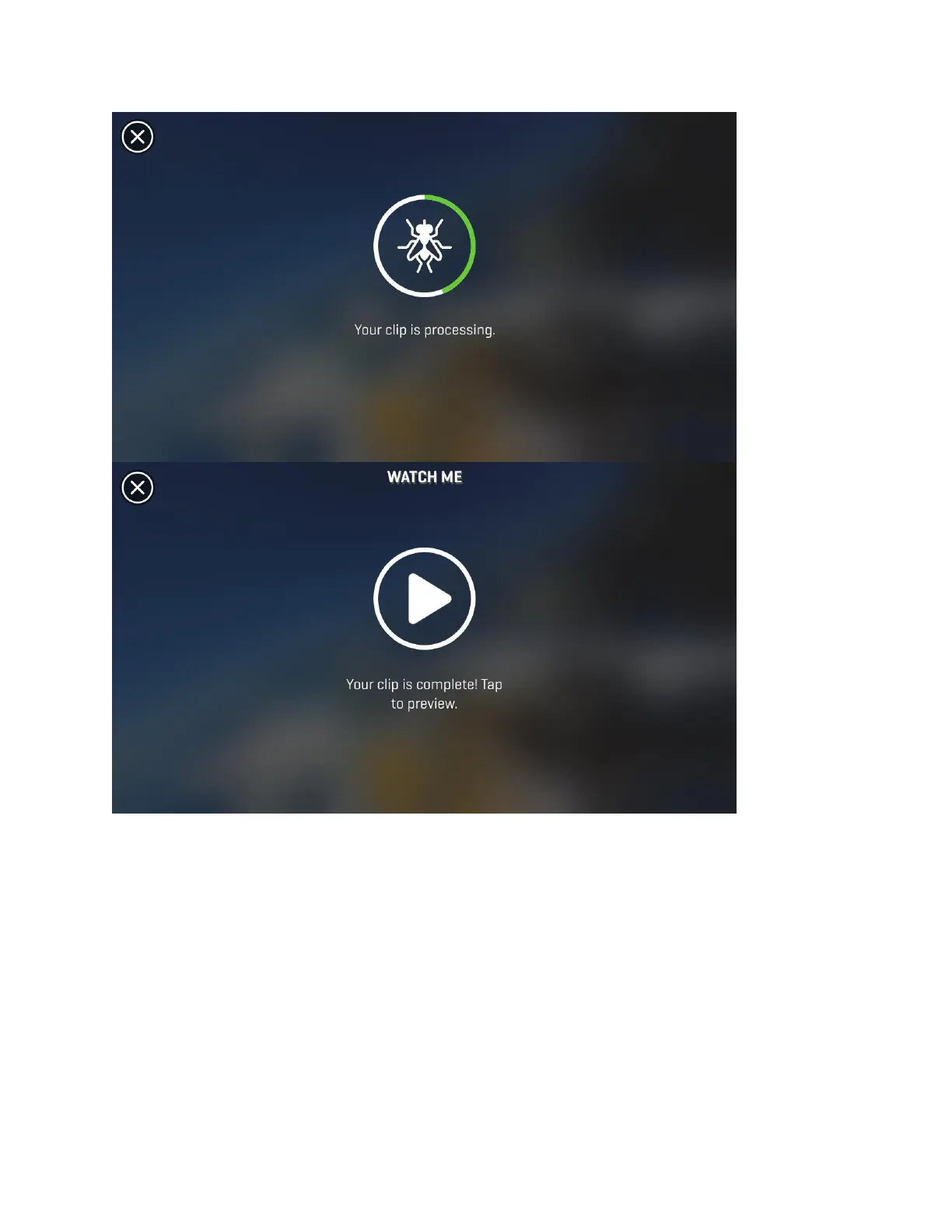
When complete, click on the “Done” button and allow a few seconds for your video to process.
You can now add some special effects like music, slow/fast motion, or change the image filter to
apply a unique color scheme to your clip. See below for more details on adding Music, Filters,
and Playback speed adjustment.
Note: Your app will remain in Preview mode after making adjustments to your clip until you
select the “Save” button in the top right corner of your display. After that you’ll be prompted to
name your Watch Me masterpiece and add a description.


 To Next Page