32 CHAPTER 2: INSTALLING THE SWITCH
■ Air flow is not restricted around the switch or through the vents in the
side of the switch. 3Com recommends that you provide a minimum of
25 mm (1 in.) clearance.
■ The air temperature around the switch does not exceed 40 °C (104
°F).
If the switch is installed in a 19-inch rack or closed assembly, its local air
temperature may be greater than room ambient temperature.
■ The air is as free from dust as possible.
■ The switch is situated away from conductive (electrical) dust sources;
laser printers, for example.
■ The unit is installed in a clean, air conditioned environment.
■ The AC supply used by the switch is separate from the AC supply used
by units that generate high levels of AC noise; air conditioning units,
for example.
■ No more than four switch units are placed on top of one another if
the units are free-standing.
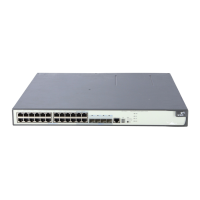
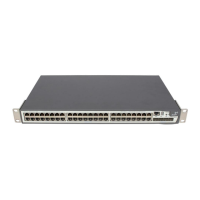
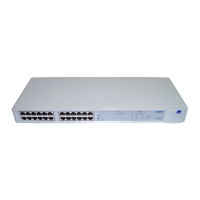
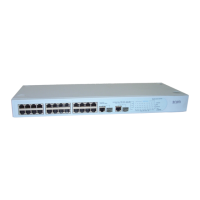
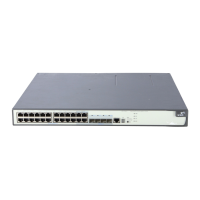
Rack-mounting The Switch 5500 is 1U high and will fit in most standard 19-inch racks.
CAUTION: Disconnect all cables from the switch before continuing.
Remove all self adhesive pads from the underside of the switch if they
have been fitted.
CAUTION: If you use a shelf or support, ensure that it will not obstruct
the air flow through the switch’s side panels.
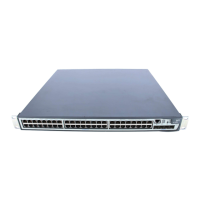
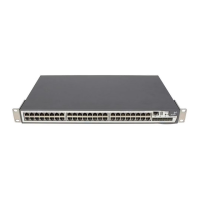
Switch 5500 (non
PoE)
To rack-mount your Switch 5500 (non PoE):
1 Place the switch the right way up on a hard flat surface with the front
facing towards you.
2 Place a securing bracket over the mounting holes on one side of the front
of the switch, as shown in
Figure 15.




 To Next Page