5
EN11/2023
TAKE A BREAK: TAKE A BREAK:
We recommend powering down and giving your 3Doodler Flow a 30 minutes
break after every 2 hours of continuous use.
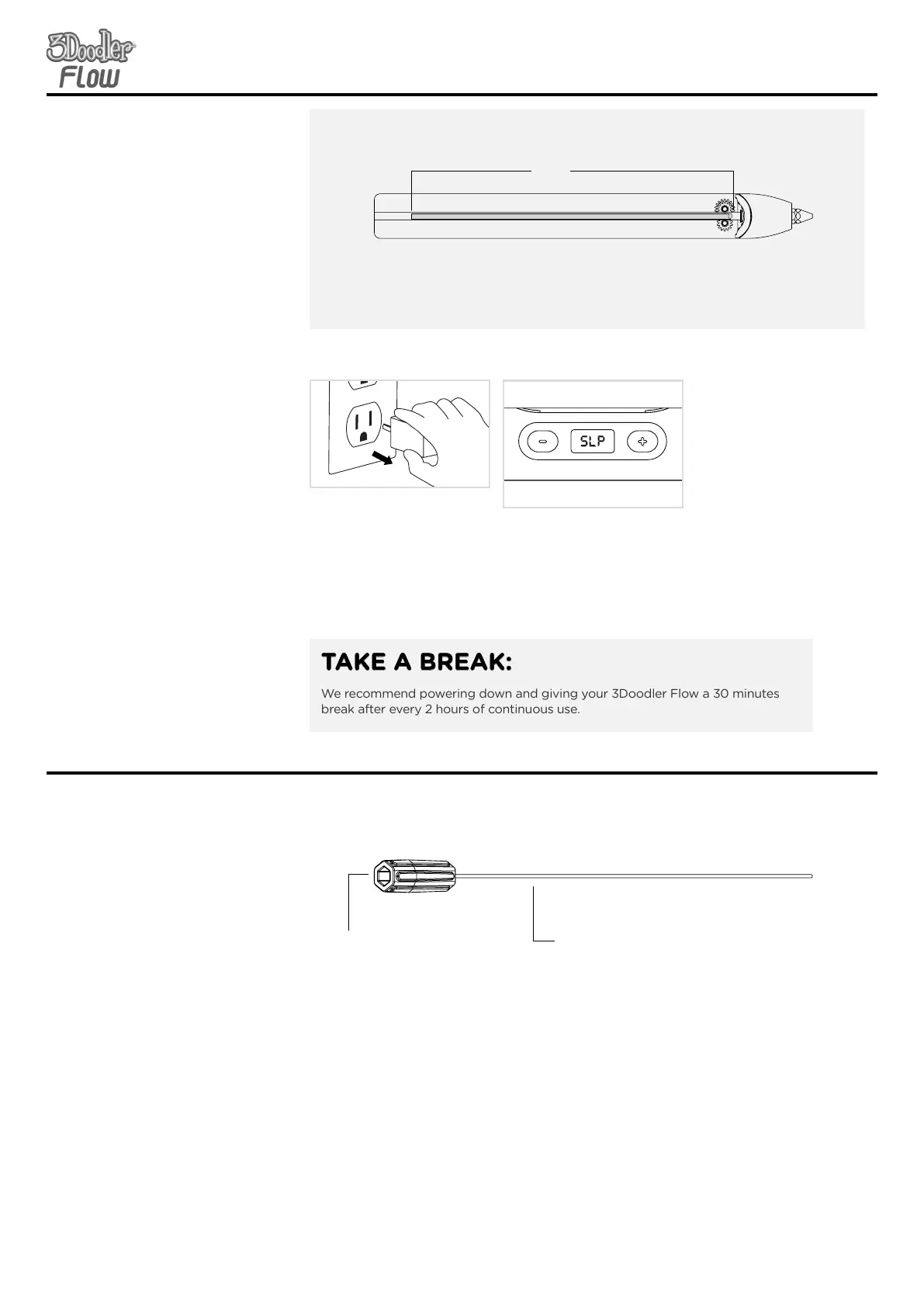
STEP 6:
Power Down
Unplug it from the power source
and allow your pen to cool
completely before storing.
SECTION 2: GETTING STARTEDSECTION 2: GETTING STARTED
SECTION 3: TROUBLESHOOTINGSECTION 3: TROUBLESHOOTING
Unblocking Tool
Used to help push plastic
out the back of the pen for
unblocking purposes out of
the back of the pen.
Mini Spanner
Used for tightening and
removing the nozzle.
Only remove the nozzle
when the pen is on and hot.
Do not over tighten the
nozzle, as you may break it.
4.3
inches
Plastic that is shorter than 4.3 inches cannot be reversed. You should feed it all the way
through your 3Doodler Flow and use it up. Or you can push the plastic out the back of
the pen using your unblocking tool - See Section 3, Step 3B.)
NOTE:
Included Tool
Before showing you how to
troubleshoot issues with your
3Doodler Flow, we want to
introduce you a handy tool
included in the box:
With those introductions over, let’s look at some dierent
issues that could arise with your 3Doodler Flow and steps to
get back to Doodling.
Note: After 5 minutes of
inactivity, the 3Doodler Flow
heating system will automatically
power down. You will need to
press either speed button OR
unplug it and plug it back in to
continue use.


 To Next Page