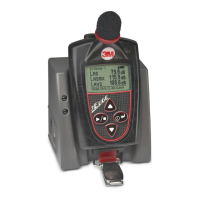
Running a study
Ending a study
1. Press and hold the on/off enter button for the count
down.
Turning off
1. Once the Edge is turned on, press and hold the button.
• A 3, 2, 1 countdown will appear. Then, a run indicator
will appear on the top of the display. Also the LED will
ash green unless this was disabled in the DMS via the
heartbeat eld.
1. While running a study, press and hold the run/stop
button.
• A 3, 2, 1 countdown will appear and the indicator will
appear on the top of the display.
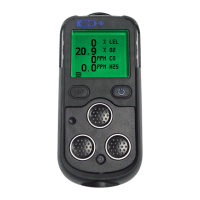
Screen indicators: in run mode



 To Next Page