25
Item Description
MY MEMORY
Load/Save a Setting:
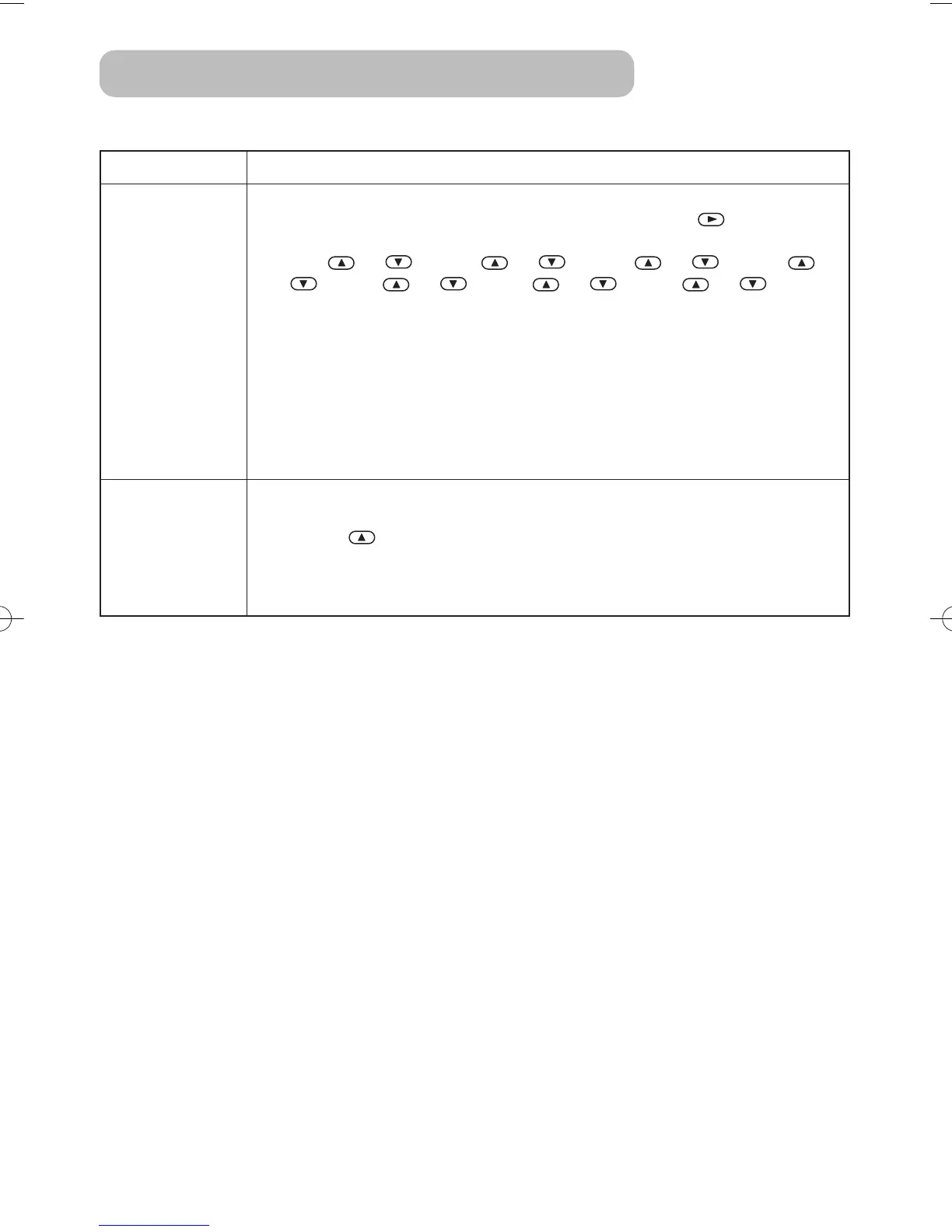
Selecting one from the following and then pressing the or the ENTER
button performs each function.
LOAD1 ⇔ LOAD2 ⇔ LOAD3 ⇔ LOAD4
⇒ SAVE1 ⇔ SAVE2 ⇔ SAVE3 ⇔ SAVE4
• This projector has 4 memories called M1, M2, M3 and M4 for settings.
Performing the SAVE1, SAVE2, SAVE3 or SAVE4 puts the current setting data
on the memory whose number corresponds. Performing the LOAD1, LOAD2,
LOAD3 or LOAD4 calls the data of memory whose number corresponds, and
adjusts the picture automatically depending on the data.
• The LOAD1, LOAD2, LOAD3 or LOAD4 cannot be selected when there is no
memory whose number corresponds.
• At a different signal input from the signal that was being inputted when the
setting was memorized, the picture may not be adjusted correctly.
RESET
Reset the PICTURE-1 Menu Items:
Selecting the EXECUTE performs this function.
EXECUTE CANCEL
• The items of the PICTURE-1 menu are collectively returned to the initial
setting. Note that the items MY MEMORY and CUSTOM - GAMMA are not
reset.
PICTURE - 1 Menu (continued)
Multifunctional Settings (continued)
⇒
⇒
01S10En03.9.245:07PMページ25



 To Next Page