09
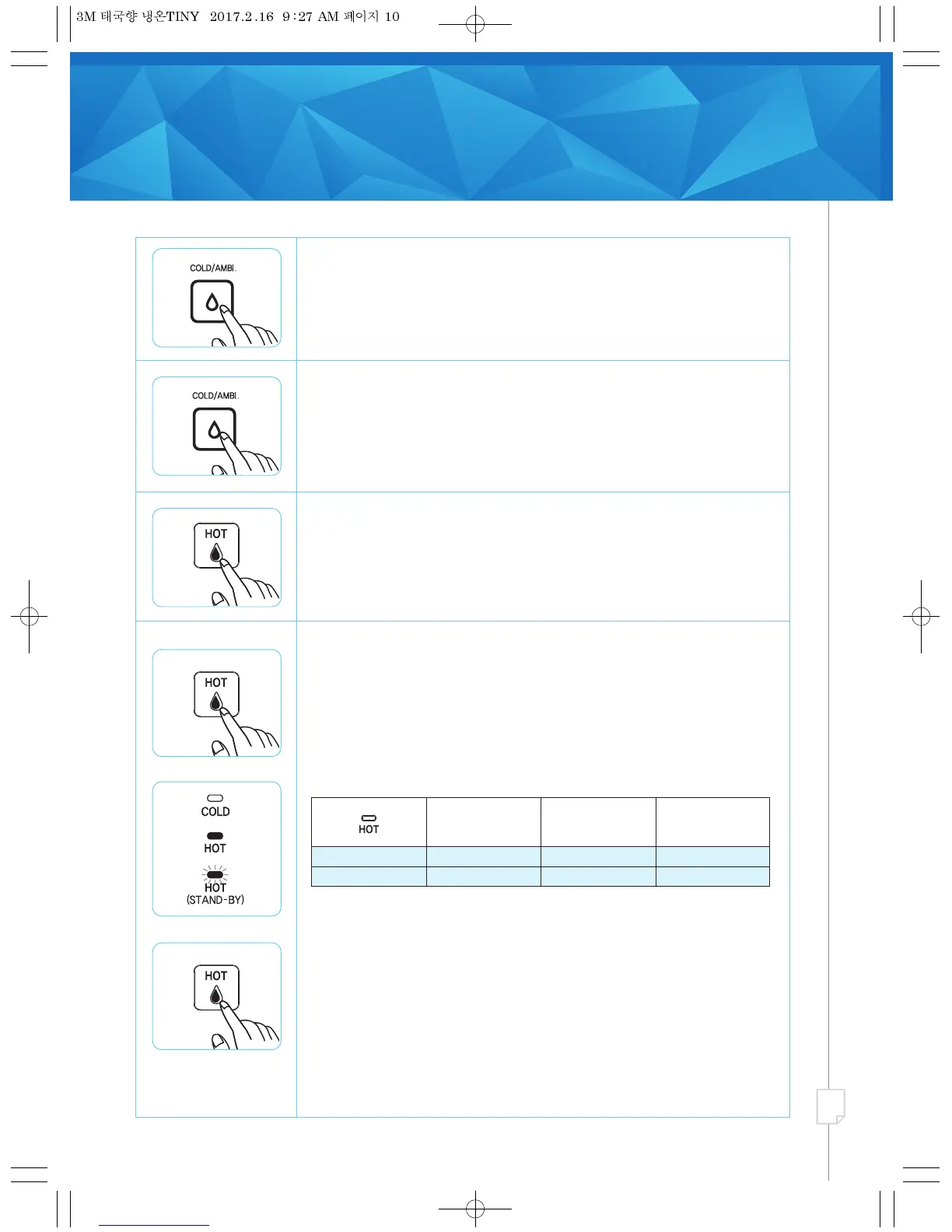
Dispensing Ambient Water
1. Press “COLD/AMBI.” button and see if LED is Green. Ambient water is
selected and proceed to dispense water.
Dispensing Cold Water
1. Press “COLD/AMBI.” button and see if LED is Blue. Cold water is selected.
2. Press “WATER DISPENSING” button to dispense cold water.
Dispensing Hot Water (Tank Heating Mode)
1. Press “HOT SELECTION” button and see if “HOT” LED is Red. Tank
Heating Mode is selected and water in tank is hot, ready for dispense.
2. Press “WATER DISPENSING” button to dispense hot water.
Instant heating Level
Green
(Blinking)
Orange
(Blinking)
Green
(Light)
Level 1
Completion
Hot water temperature
Under 60
℃
Level 2
60~85
℃
More than 85
℃
Dispensing Hot Water (Instant Heating Mode)
1. Press “HOT SELECTION” button and see if “HOT” LED is Green. If it is
Green, Instant Heating Mode is selected.
•
A setting sound “Ding dong” occurs and LED blinks 3 times.
2.
During Instant Heating Mode, “HOT” LED changes colour to indicate the
temperature
of water dispensed.
•
Approximately 1.3minutes are required to complete Instant Heating cycle
to achieve
>
85°C.
3. After Instant Heating is completed, “HOT” LED turns Green and “HOT
(STAND-BY)” LED turns Red and blinking with beeping sound “Ding Ding
Ding” upon completion of Instant Heating process.
•
Hot water can only be dispensed upon completion of Instant Heating
process.
4. Press “HOT SELECTION” button and “WATER DISPENSING” button to
dispense hot water.
•
Hot water can be contained for 10mins without any dispense.
Note: When hot water is being constantly dispensed, temperature of the hot
water can be below 50°C. Instant Heating process starts off automatically and
hot water can only be dispensed when instant heating is completed.


 To Next Page