Quick Installation Guide
EAP706 Enterprise Access Point ENGLISH
Copyright © 4IPNET, INC. All rights reserved.
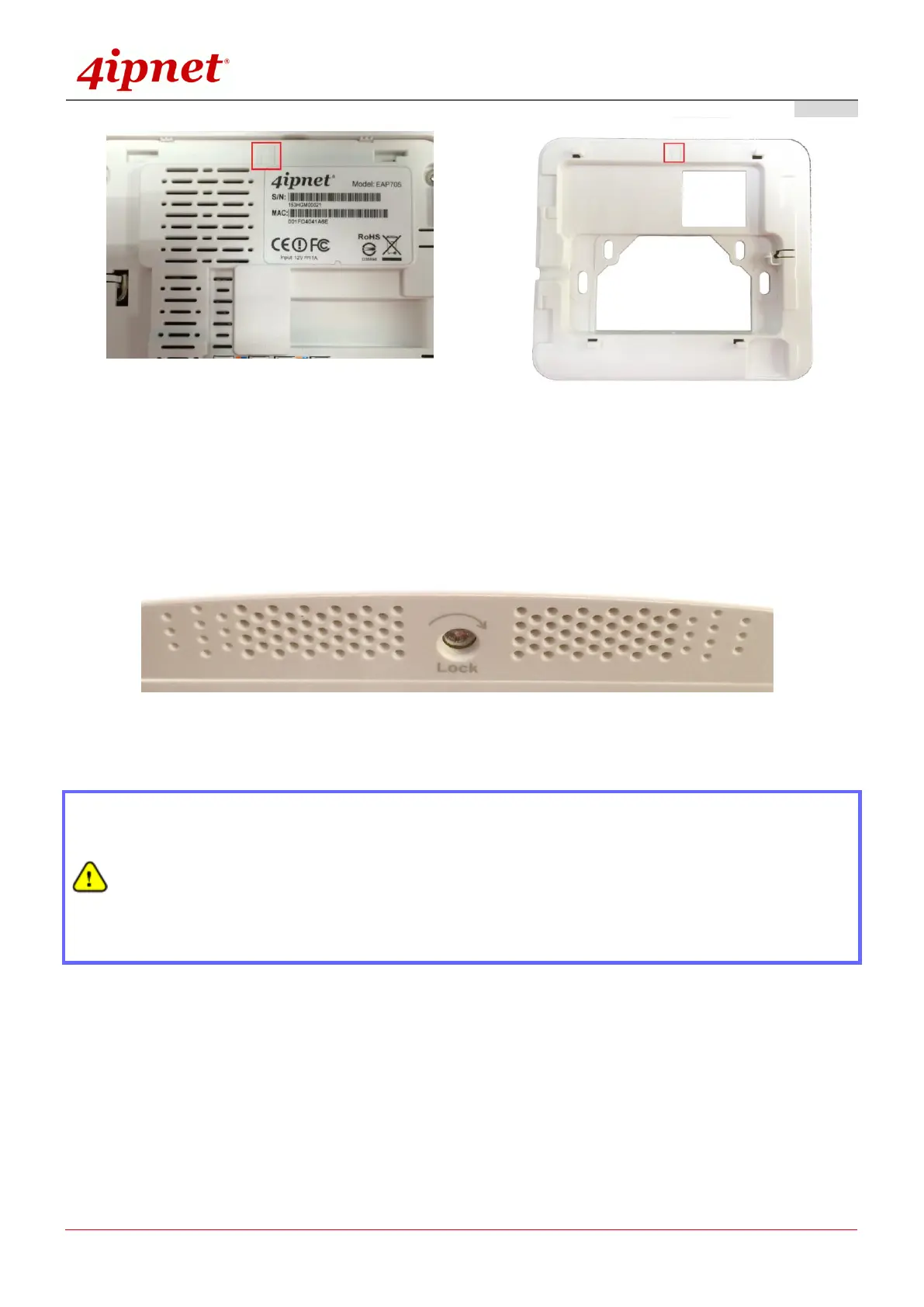
b) Align the Access Point to the 4 hooks, slide and snap Access Point to the mounting plate
c) To lock Access Point to the mounting plate, insert the tool provided and turn clockwise.
Now, the Hardware Installation is complete.
Punch down tools may vary by country. Please contact the 4ipnet Support Team for
recommendations if needed.
Please use only the power adapter supplied with the package. Using a different power adapter
may damage this system.
To verify the wired connection between the AP and your switch / router / hub, please also check
the LED status indicator of the respective network devices.



 To Next Page