Quick Installation Guide
EAP706 Enterprise Access Point ENGLISH
Copyright © 4IPNET, INC. All rights reserved.
Please follow the steps mentioned below to install the hardware of EAP706:
Step 1. Place the EAP706 at the best location. The best location is usually at the center of your intended
wireless network. The EAP706 can be mounted on any wall outlets or on any flat surface;
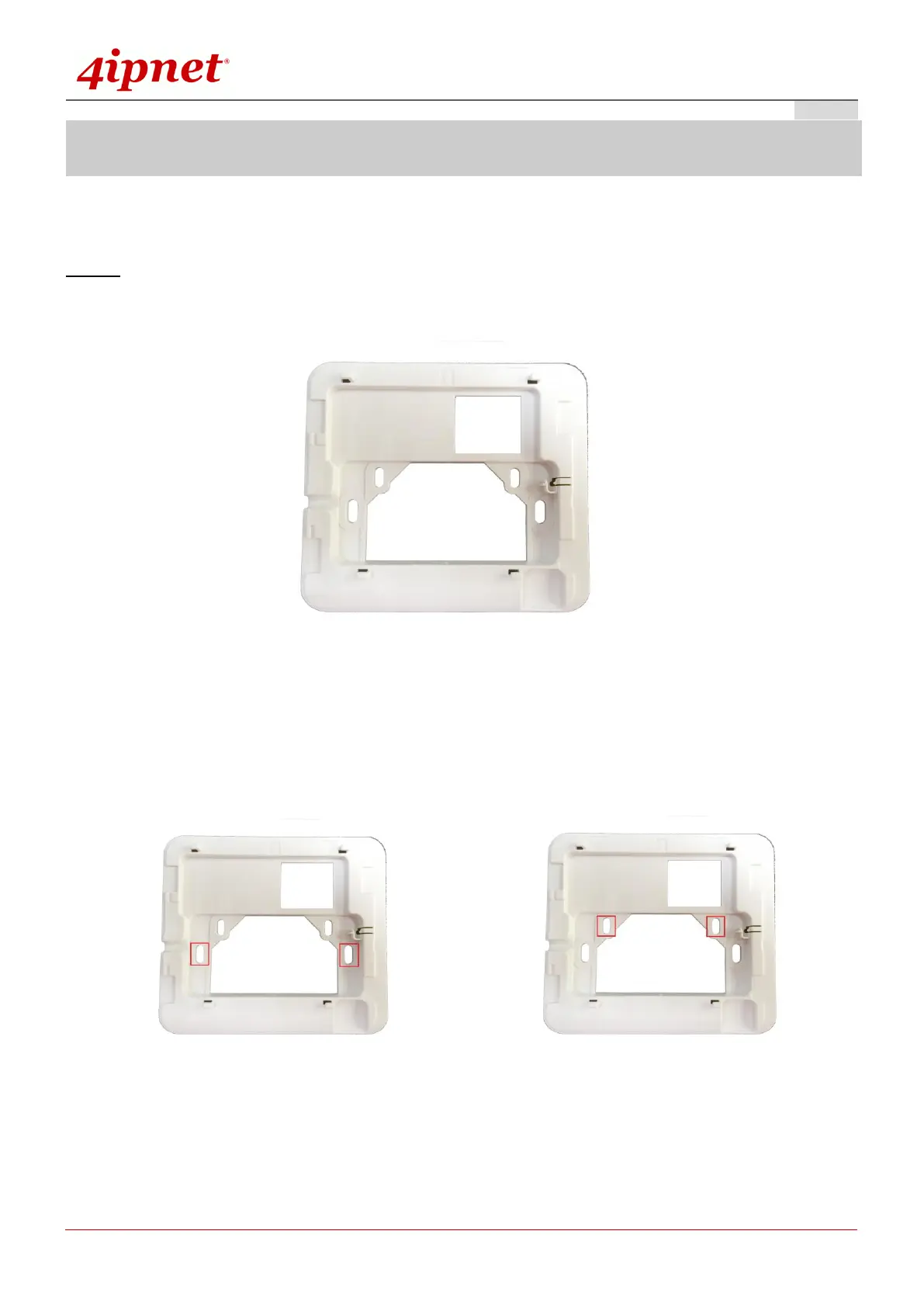
Universal Mounting Panel
Secure the mounting plate on the mounting surface by tightening the screws (included) at the
highlighted area below:
a) Standard US Outlet box b) Standard EU Outlet box



 To Next Page