Quick Installation Guide
OWL630 Enterprise Access Point ENGLISH
Copyright © 4IPNET, INC. All rights reserved.
4ipnet OWL630 supports web-based configuration. Upon the completion of hardware installation, Access
Point can be configured through a PC by using its web browser such as Mozilla Firefox 2.0 or Internet
Explorer version 6.0 and above.
The default values of LAN IP address and subnet mask of OWL630 are:
Steps:
1. To access the web management interface, connect the administrator PC to the LAN port of OWL630 via
an Ethernet cable. Then, set a static IP address on the same subnet mask as OWL630 in TCP/IP of your
PC, such as the following example:
IP Address: 192.168.1.100
Subnet Mask: 255.255.255.0
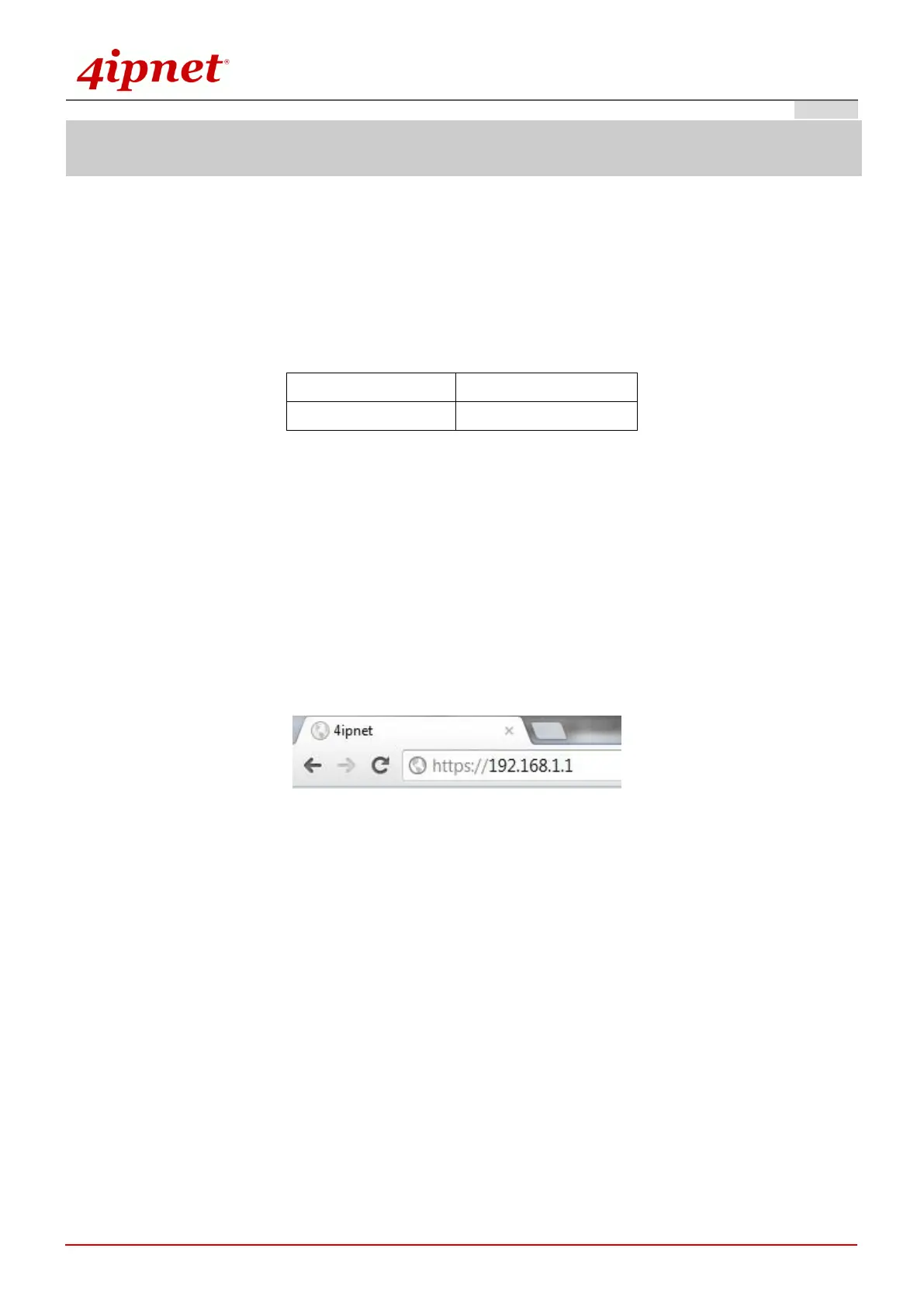
2. Launch the web browser on your PC by entering the IP address of OWL630 (https://192.168.1.1) at the
address field, and then press Enter.
Example of entering OWL630's default IP Address via a web browser
3. The following Admin Login Page will appear. Enter “admin” for both the Username and Password fields,
and then click Login.



 To Next Page