4.3 LOCAL AREA NETWORK
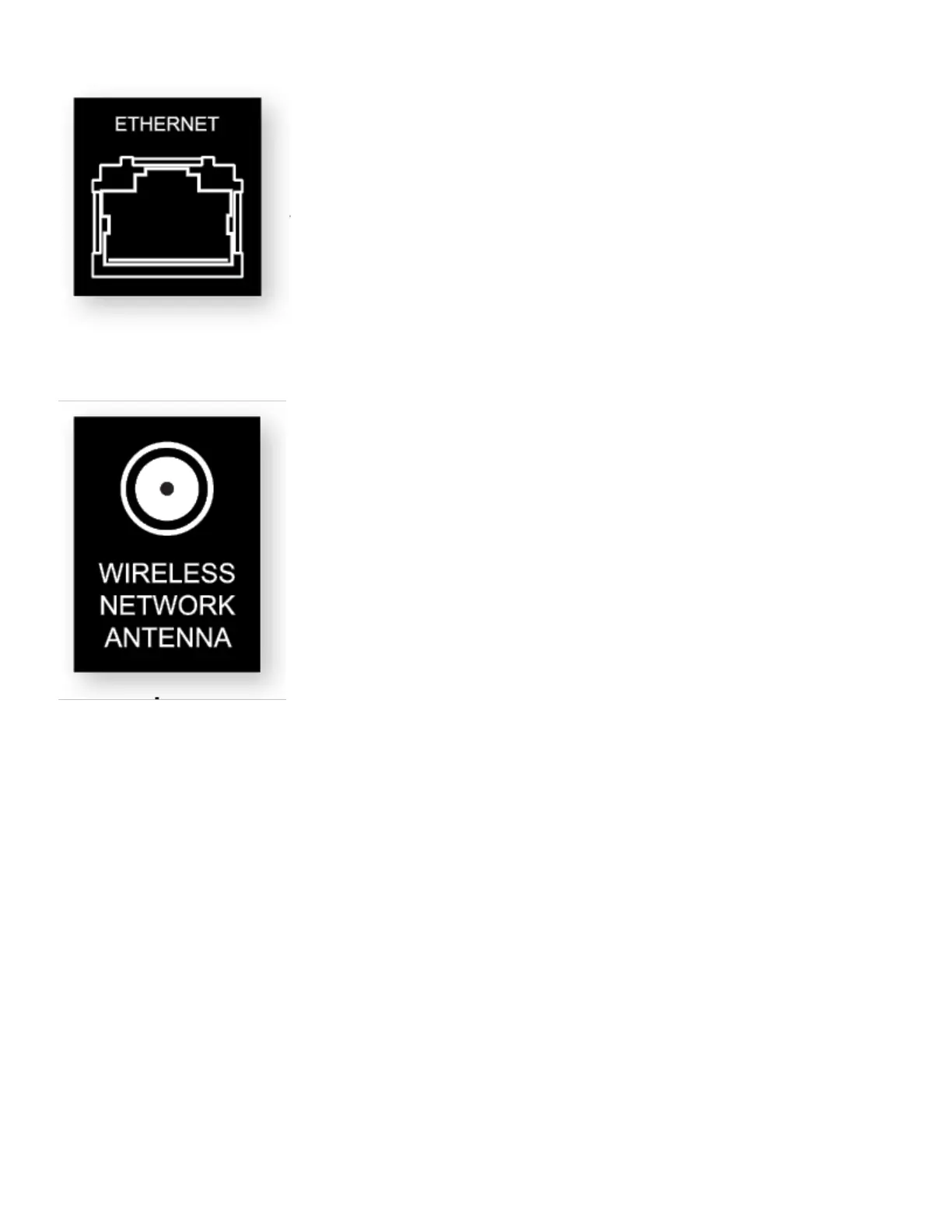
Configuring Anthem Room Correction or using IP control requires a network connection. To use a wired connection,
connect your router using CAT5 cable.
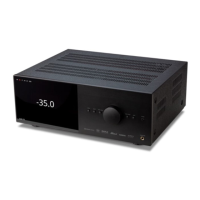
If using a wireless connection, add the two network antennas to the rear panel. The setup section of this manual
explains how to set up a wireless connection. Please note, if mounting the MRX/AVM in a metal rack, we recommend a
wired network connection, especially if the wireless router is in a different room or if anything else can impact the
signal strength.
If using a firewall for security, ensure that the MRX/AVM is permitted to join the network.



 To Next Page