7.13 CHROMECAST SETUP
Wired Connection
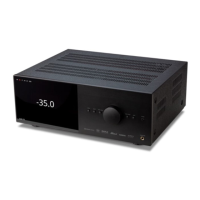
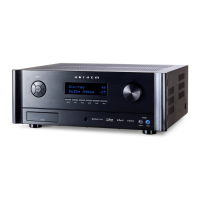
Connect an ethernet cable to the Receiver/Processor.
Wired & Wireless Connection
Download and open the Google Home app.
You should be prompted that there is a device available for setup. If not, simply tap “Add” followed by “Setup a
Device.” Select the Receiver/Processor and follow the instructions on screen.
To listen to cast audio from any supported application on your Receiver/Processor, ensure your device is connected
to the same network as the Receiver/Processor.
Tap the Chromecast built-in icon from within the application and select the Receiver/ Processor as the playback
device.
1.
2.
3.



 To Next Page