23
5.7 Attaching and connecting the battery to your A2B
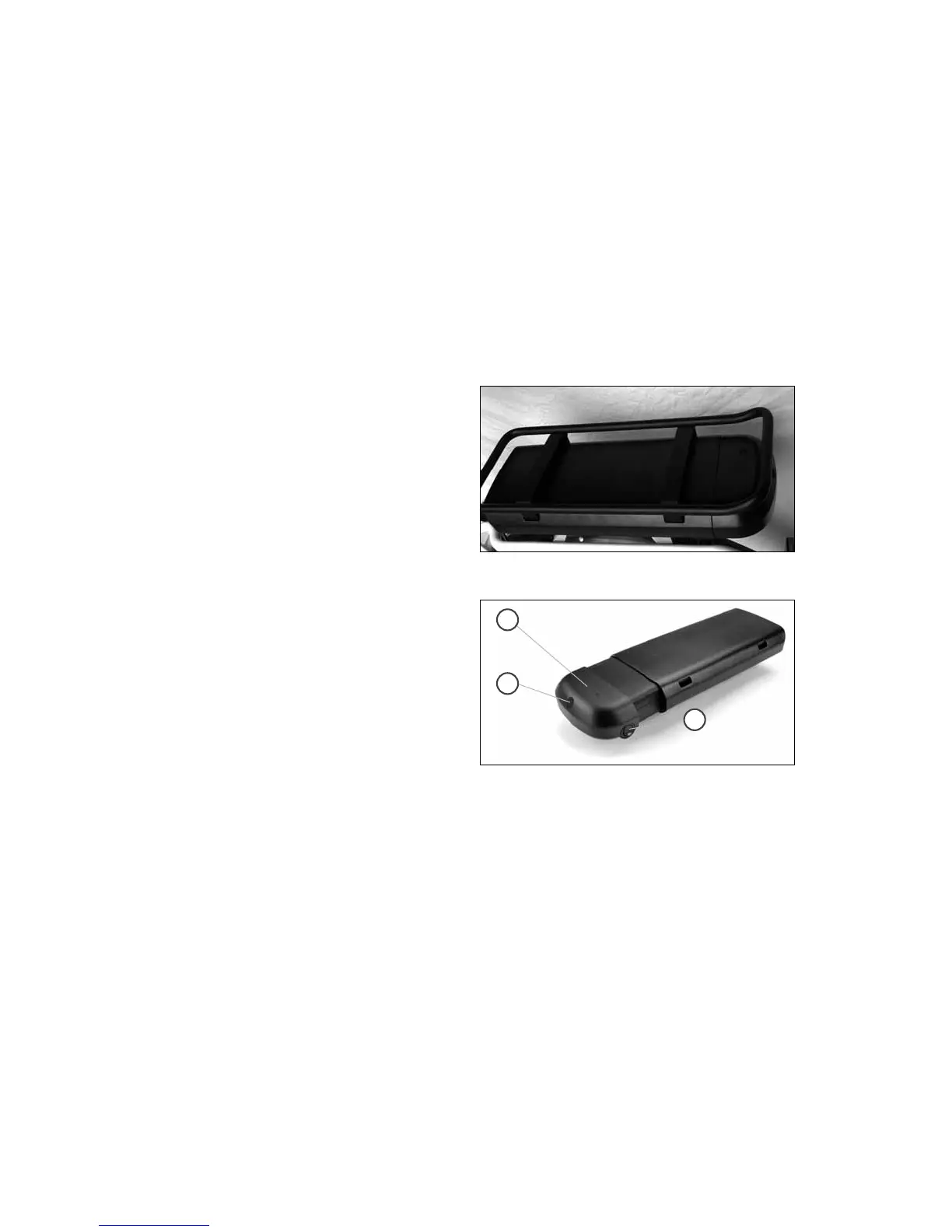
1. Insert battery into carrier rail and attach correctly as shown in
Picture 1. Lock battery and remove key.
2. Make sure that the battery is attached correctly and lock the
battery. Remove the key.
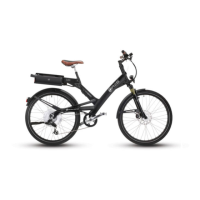
3. To activate the system turn on your battery using the ON / OFF
switch on the right side (Picture 2 Fig 1). LED illuminates RED
(Picture 2, Fig 3).
Picture 1 – Battery Installed
Picture 2
1
2
3



 To Next Page