26
Owner’s manual
When the Pedelec is stopped, please
observe the following:
• If the pushing aid (see section 3.2.7) is
activated, you have to move the Pedelec's
pedals 2 to 3 times after a stop of the
Pedelec, until the motorised assistance
will be available again and you may
increase or reduce the assistance level
using the buttons on the controller.
• If the pushing aid is deactivated, the
motorised assistance is instantly available
when moving the pedals. Similarly, the
assistance level can also be increased or
reduced when the Pedelec is standing
still.
The field [12] of the start menu has
multiple functions. By briefly pressing
the controller button [2], various travel
information can be displayed (see section
3.2.10).
5.3.2.5 Activation of recuperation
By activating the recuperation, you may
recover energy when travelling and feed it
into the battery. This is possible or useful
from a speed of 15 km/h. The recuperation
is activated and adjusted using the
controller buttons [1] and [3].
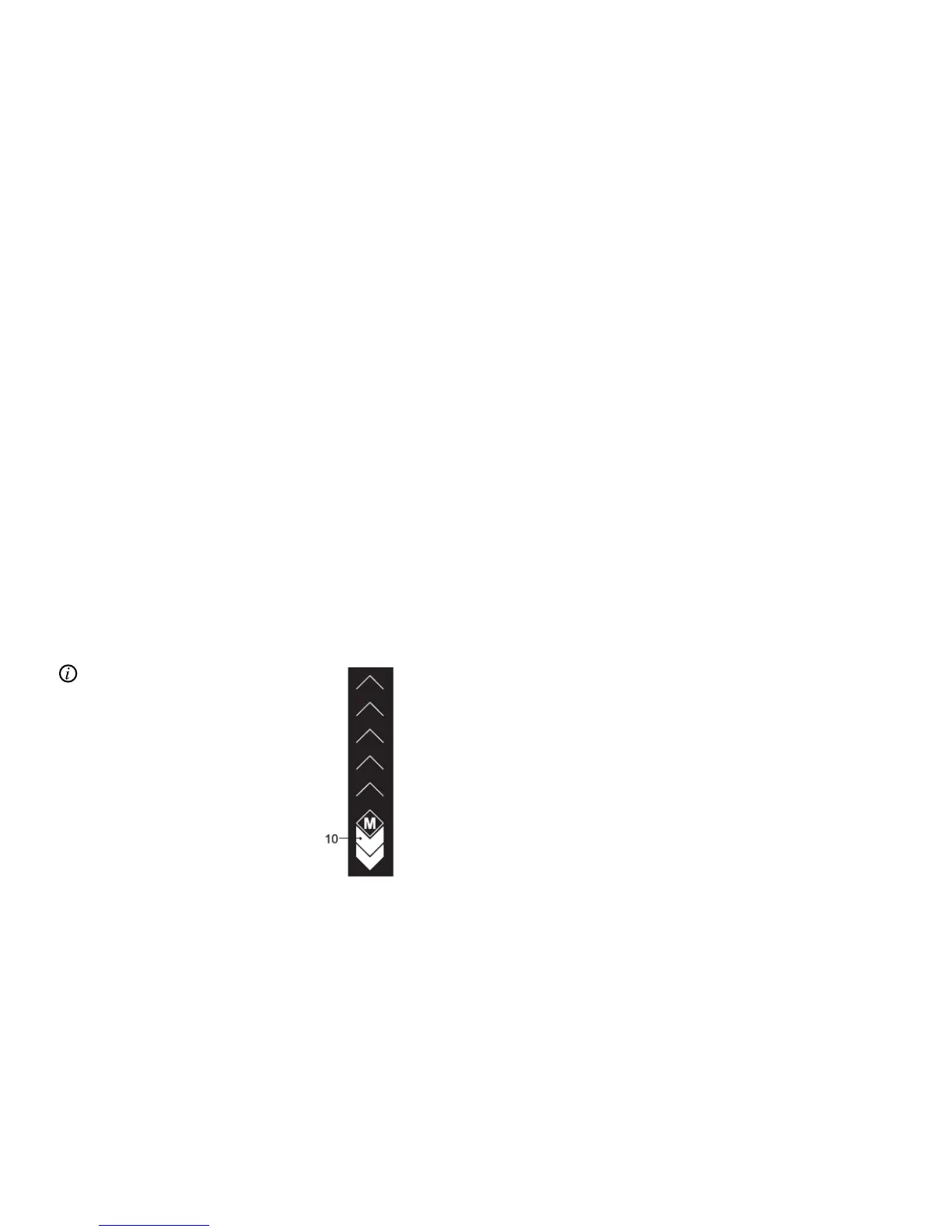
• One white bar element [10] means: 50%
energy recovery in the battery (factory
setting, configurable)
• Two white bar elements mean: 100%
energy recovery in the battery (factory
setting, configurable)
Depending on the battery used and the
speed, a maximum of 6A to 8A is recovered
in case of 100% energy recovery. If
recuperation is to be deactivated, this is
also made using the controller button [1].
During energy recovery, "0 A" is shown
in field [12] and the charging process [a]
symbol in field [11]. If the energy cannot
be recovered, because the battery is
already charged above 90%, the symbol
[b] is displayed instead. In this case, the
sMMI's software waits for the battery to
be discharged in part, then automatically
switches on recuperation and changes to
symbol [a].



 To Next Page