EMB-B75A
2-20
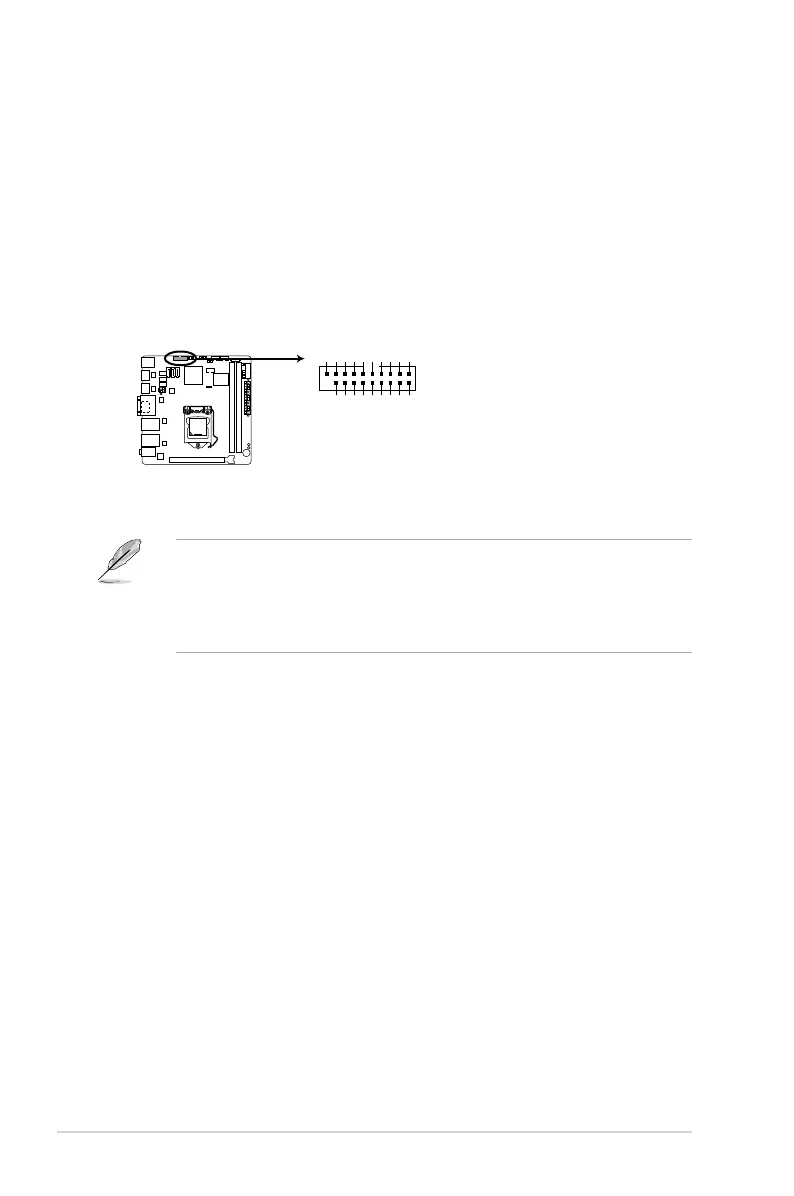
6. USB 3.0 connector (20-1 pin USB3_23)
ThisconnectorisfortheadditionalUSB3.0ports.ConnecttheUSB3.0
bracketcabletothisconnector,theninstalltheUSB3.0brackettothe
rearsideofthechassis.Ifyourchassissupportcustomizedfrontpanel
installation,withUSB3.0header,youcanhaveafrontpanelUSB3.0
solution.
NOTES:
• TheUSB3.0moduleispurchasedseparately.
• DuetoIntel
®
limitations,theUSB3_34onlysupportsWindows
®
7 operating
system.
EMB-B75A USB3.0 Front panel connector
USB3_23
+5V
USB3_RX_DN3
USB3_RX_DP3
GND
USB3_TX_DN3
USB3_TX_DP3
GND
S_USB_PN2_R
S_USB_PP2_R
GND
PIN 1
+5V
USB3_RX_DN2
USB3_RX_DP2
GND
S_U3TXDN4
S_U3TXDP4
GND
S_U3RXDP4
S_U3RXDN4



 To Next Page