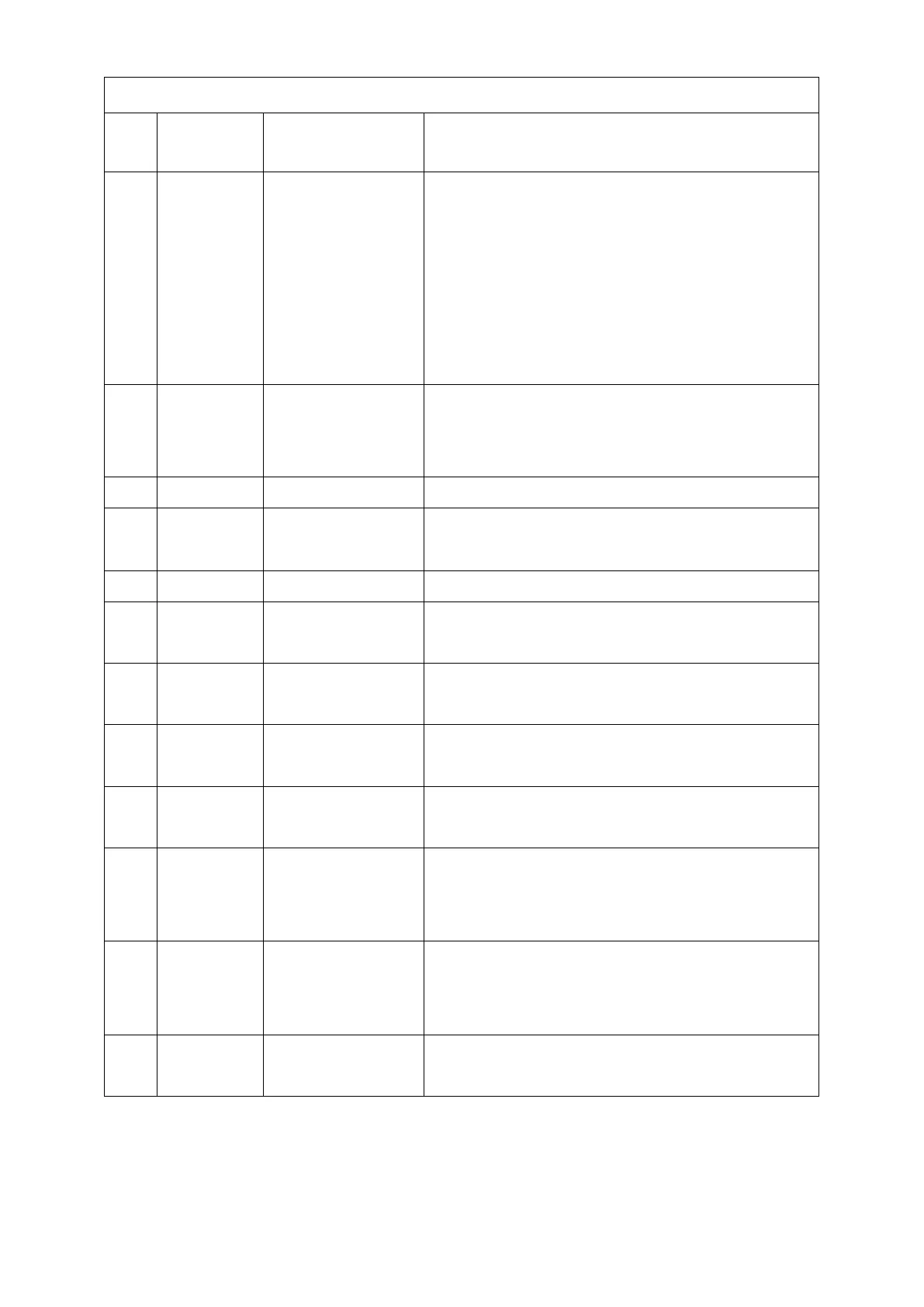
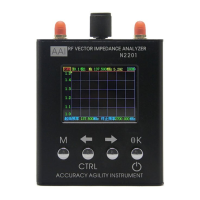
Buttons and Interface Description
Press this button to switch the
"Single Point Measurement" and
"Scan Mode" interface; hold down
the CTRL key and press the M key to
switch between "System
Information" and "Calibration"
interface.
Left arrow key, you can move the
cursor to the left; hold down the
CTRL key and press OK to turn on.
Move the cursor to the right.
OK key;Press and hold (> 2S) to turn
off the instrument.
Adjust parameter number, move
cursor.
S11 test with this port, S21 output
port
When charging, the light is on, when
complete, the light is off.
Mini USB. Must use larger current
mobile phone charger (Demand
Supply Current> 1A)。
Micro USB. Must use larger current
mobile phone charger (Demand
Supply Current> 1A)。
Used in deadlock, crash or other
situation


 To Next Page