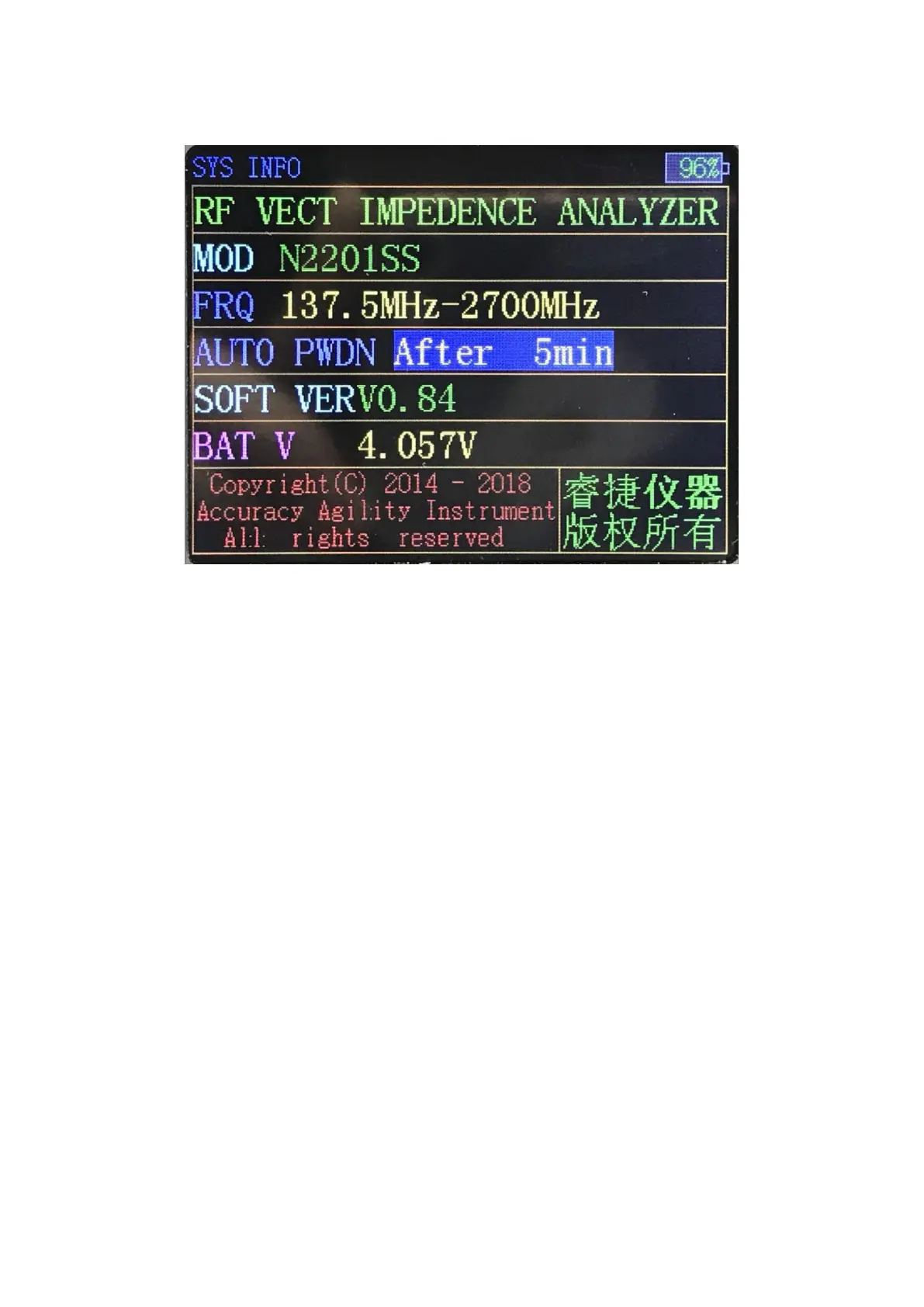
4. System Information
In Single Frequency mode or Scan Function interface, hold down the CTRL
key (left), then press the M key, you can switch to the System Information
interface.
System information is mainly about the product, among which, automatic
Power-Off parameter can be modified by turning the knob or pressing the
Left/Right key. After modification it will come into effect immediately.
Press OK key to save the parameter status.
5. Correction and Calibration
△
! Special Announcement: Before illustrating how to do the
calibration, you have to know that if you don’t have calibrating kit in
hand, you must not do it, because the device has been calibrated to
SMA port during production , Just use it directly.
In what circumstances need to be calibrated:
1. If you need to do a precise measurement, please use calibration kit.
2. The measured object is not directly connected to the product port, but
after a period of cable, and you need to measure the resistance,
reactance or other parameters of the measured object.


 To Next Page