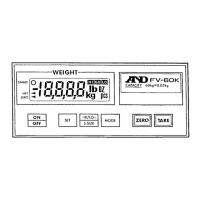
4. ENTERING A TARE WEIGHT
There are two methods of tare operations.
Using the
TARE
key to subtract the displayed container weight directly. Please
refer to “3-1. Basic Operations”.
Using the
KEYBOARD TARE
key to enter a tare weight via the 10-key pad.
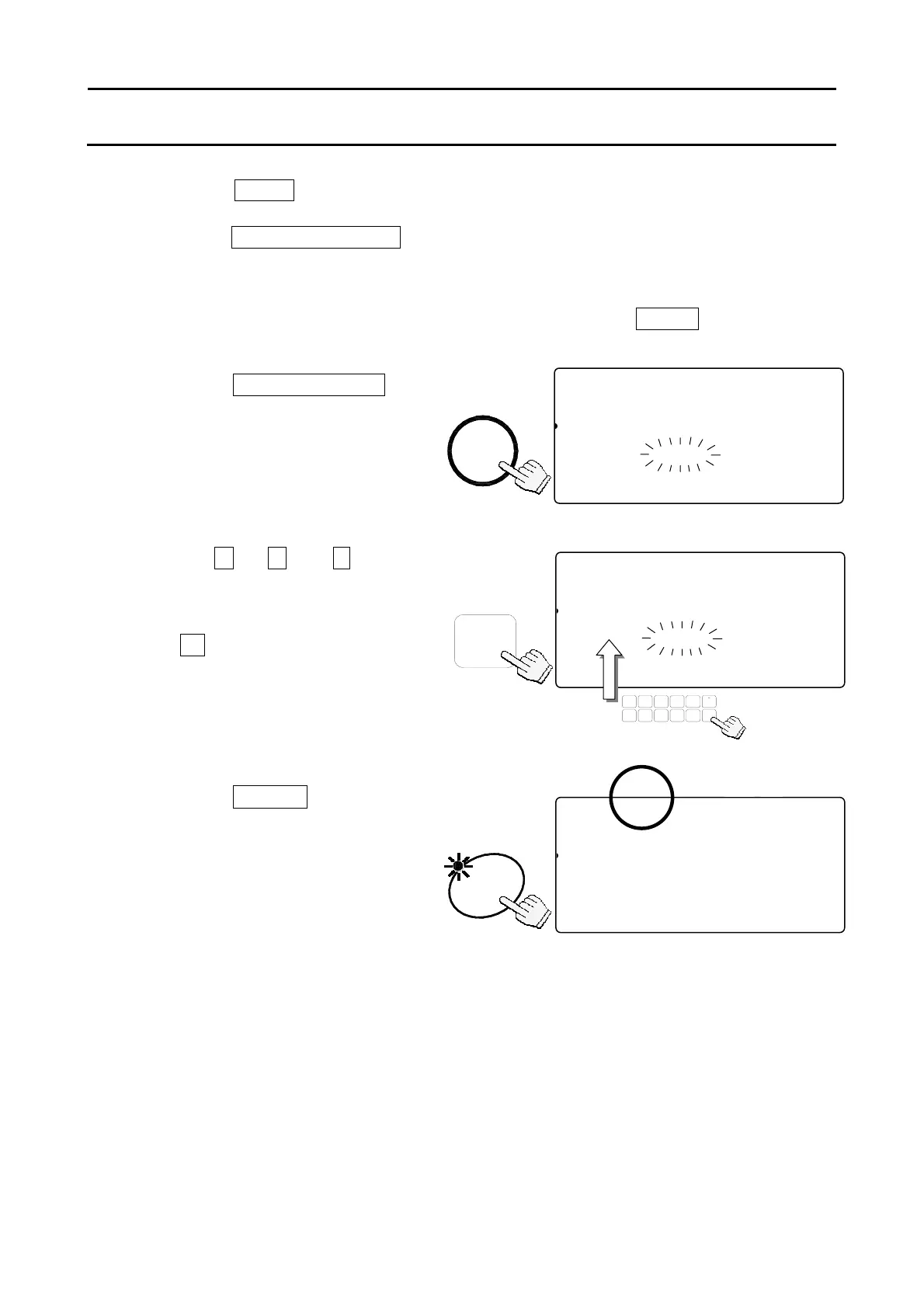
4-1. Using the KEYBOARD TARE Key
1. Remove everything from the weighing pan and press the
ZERO
key to zero the
scale.
2. Press the
KEYBOARD TARE
key.
The weight display will blink
(display is any tare weight
previously entered).
3. Use the
0
Æ
9
and
.
10-key pad
to display the desired TARE weight.
If you hit the wrong key, press
the
C
key to clear and start again.
(Example of a tare weight 615g)
4. Press the
ENTER
key.
The weight display changes to
net weight.
The TARE ENTERED indicator
will light.
STABL
8888810
81
pcs
2AWEIGHT (kg)
121345678-0.615
23ASAMPUW (g)
123415670.000004567890123456
ZERO
TOTAL
M+
TARE
ENTERED
SCALE
0 Æ 9
STABL
8888810
81
pcs
2AWETARE (kg)
12314567890.000
23SAAMUUW (g)
123451670.000004567890123456
TARE
ZERO
M+
SCALE
TOTAL
ENTERED
8888850
81
pcs
2AWETARE (kg)
12314567890.615
23SAAMUUW (g)
123451670.00000
TUV
DEFABC
MNO
6
1
78
PQRS
23
JKLGHI
09
WXYZ
4
#
5
C
.
ENTER
KEY-
TARE
BOARD
19



 To Next Page