21
USB Drive Cont.
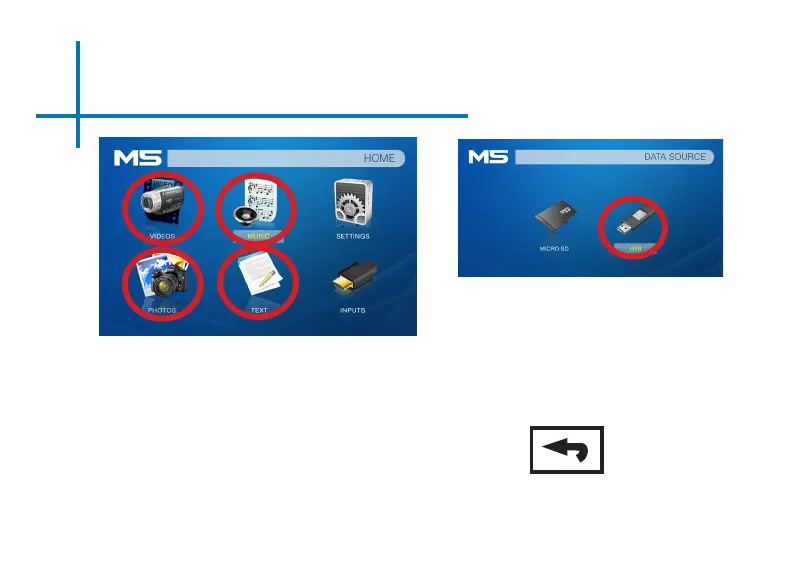
Media Player menu
• In the main menu select the type of le
you wish to play.
• Select the USB Drive icon to access
your les.
Return: Brings you
back to the main
menu
File Menu System
• The M5 will show all folders and les
you have on your USB Drive.
• Use the directional buttons to navigate
to different folders or les.















 To Next Page