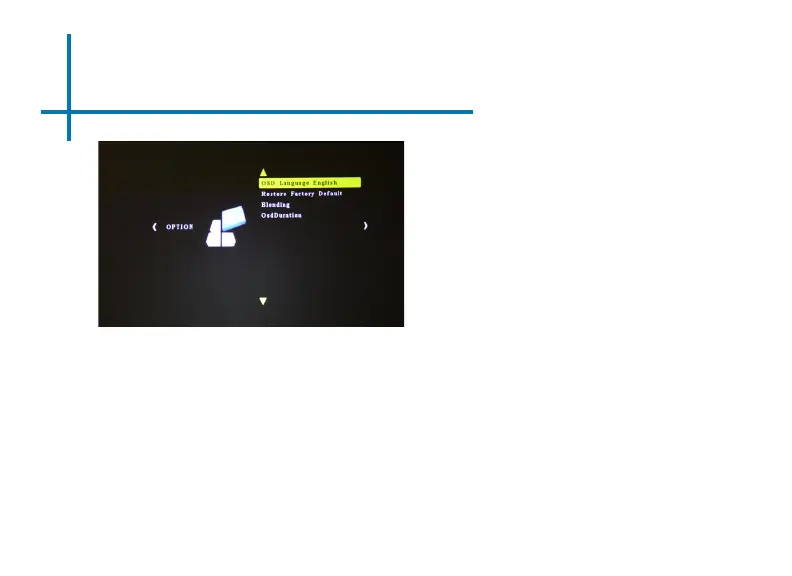
Option Settings
39
OSD Language
• Changes the language of the
device. Options include English,
Spanish, Chinese, German,
French
Restore Factory Default
• Restores the projector to factory
settings.
Blending
• Blends images connected to
device with background
OSD Duration
• Allows the projector to set a
duration for the selected OSD
language.















 To Next Page