Keystone Adjustments FAQ
How to Correct Keystone
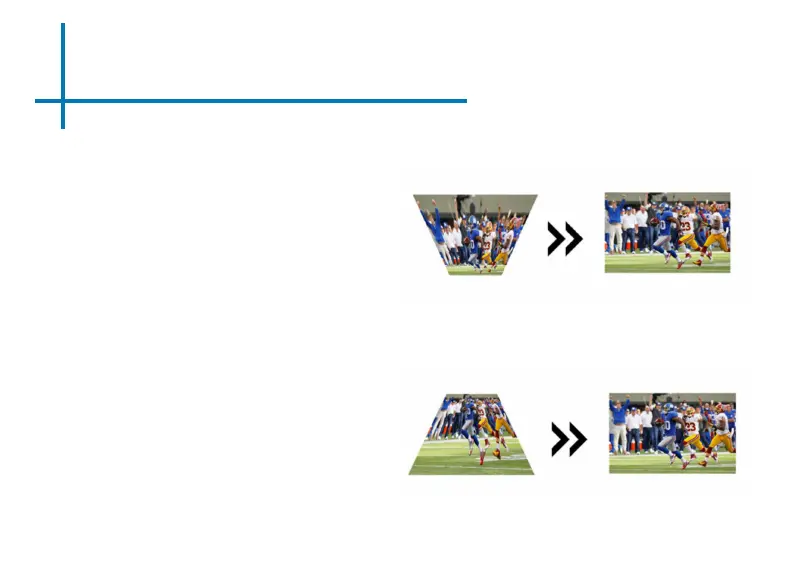
• If the image looks trapezoidal with
the base larger (as pictured right),
press the bottom button on the di-
rectional pad on the top of the M5
until the keystone effect corrects
and the picture turns into a square
projection.
• If the image looks trapezoidal with
the top larger (as pictured right),
press the top button on the direc-
tional pad on the top of the M5
until the keystone effect corrects
and the picture turns into a square
projection.
42















 To Next Page