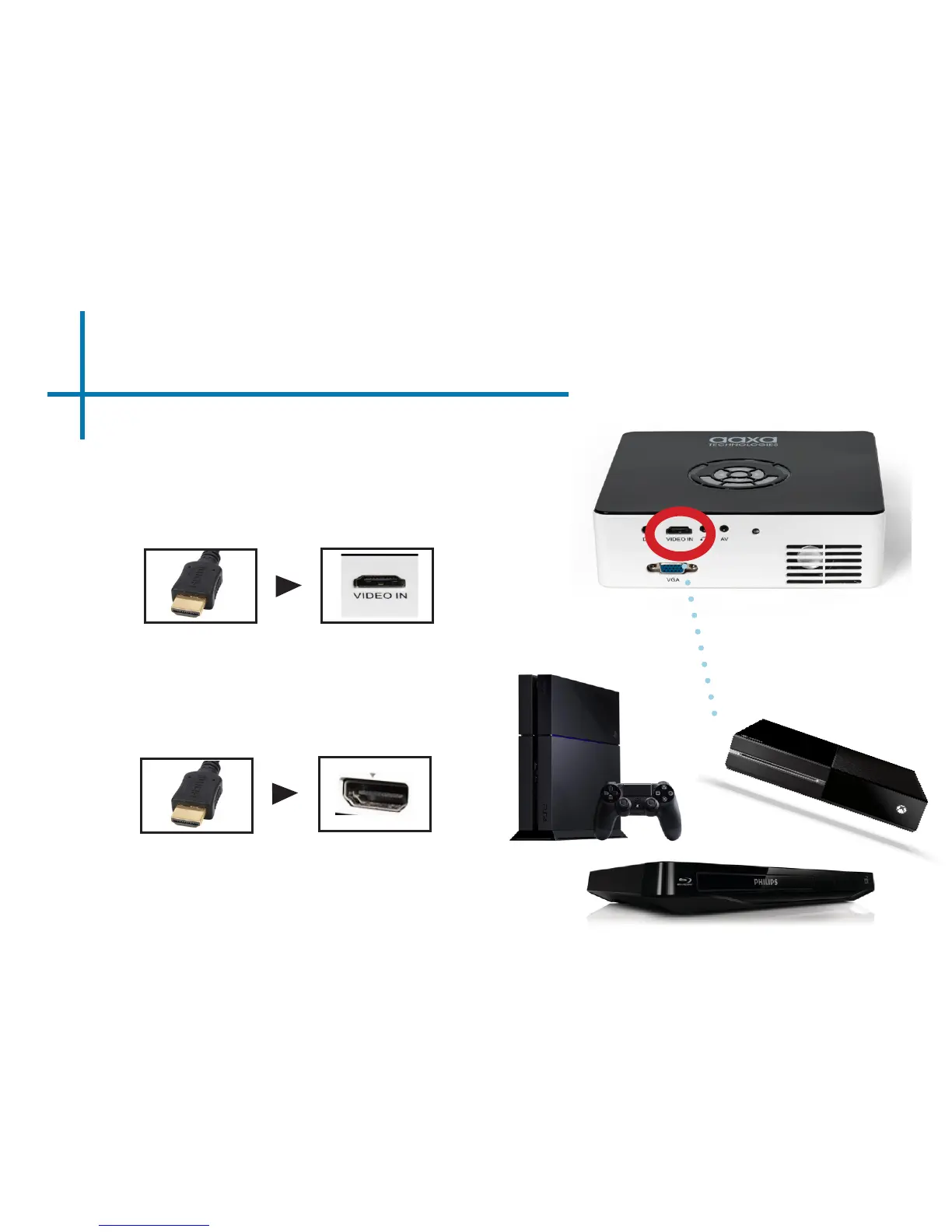
Connecting to Digital Video Input
13
Connect one end of the Digital
Input cable to your M6’s Digital
Video Input Adapter.
Step 1:
Step 2:
Connect the opposite
end of the Digital Video
Input cable to your device.
Note: Apple devices require a specialized
Digital Input adapter (Sold separately
by Apple)















 To Next Page