24
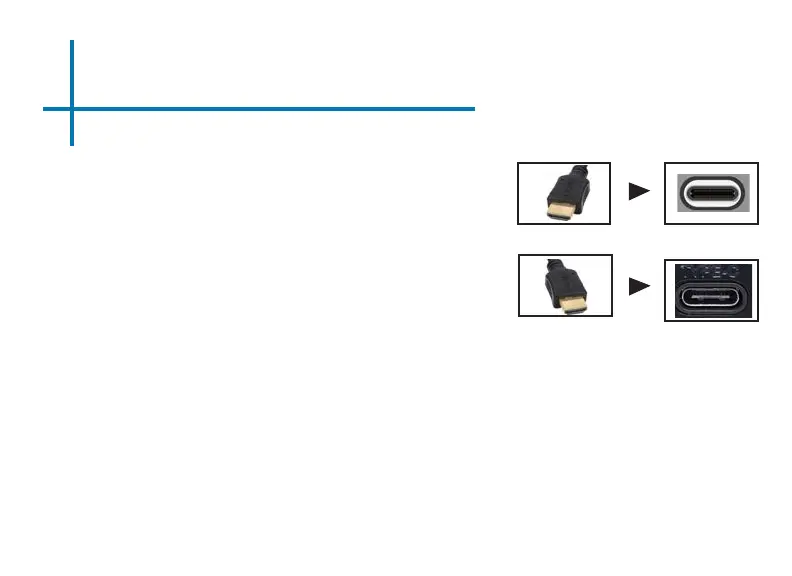
Connect one end of the USBC Cable to your
device’s USBC Display Port.
Step 1:
Step 2:
Step 3:
In the Main Menu, select the “Mirror” Icon. Your M7 should now be
mirroring the content from your device.
Connect the other end of the USBC
Cable to your M7’s USBC (compatible) Display
Port.
NOTE: When connected via USBC, you may experience shorter battery
runtime due to the projector outputting more power in order to charge
your device.
Connecting to a Device via USBC
(Compatible) Display Port Cont.















 To Next Page