Connecting to a Device via USBC
(Compatible) Display Port
23
Step 3:
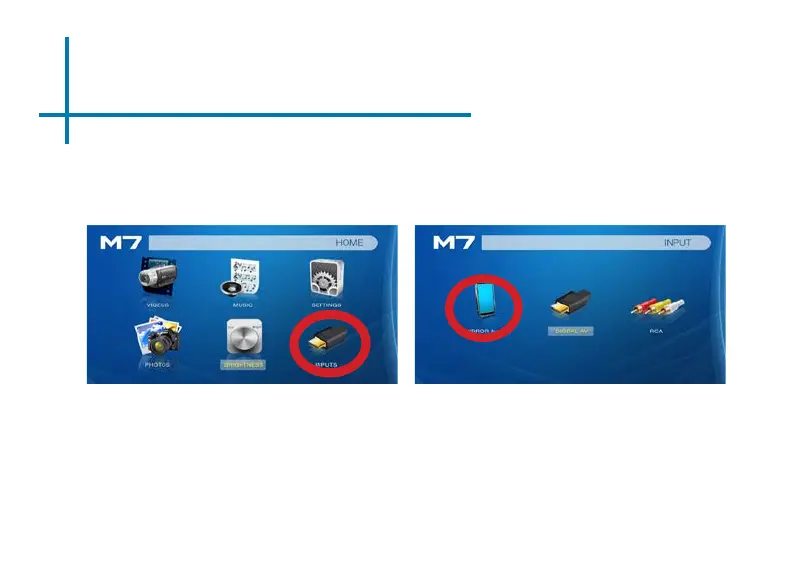
Select “INPUT” icon
Select “Mirror” icon
Connectivity to Multimedia Devices
The M7 can connect to many media devices including: computers, laptops, iPads,
and smart phones
*Device requires video out capabilities through USBC to be displayed with the M7. Check with the manufacturer.
In the Main Menu
The M7 has a USBC (compatible) Display Port for easy mirroring of devices with
a USBC Video Output. The USBC Video Cable is required to connect your M7 to
your other device.















 To Next Page