Keystone Adjustments
38
How to Correct Keystone
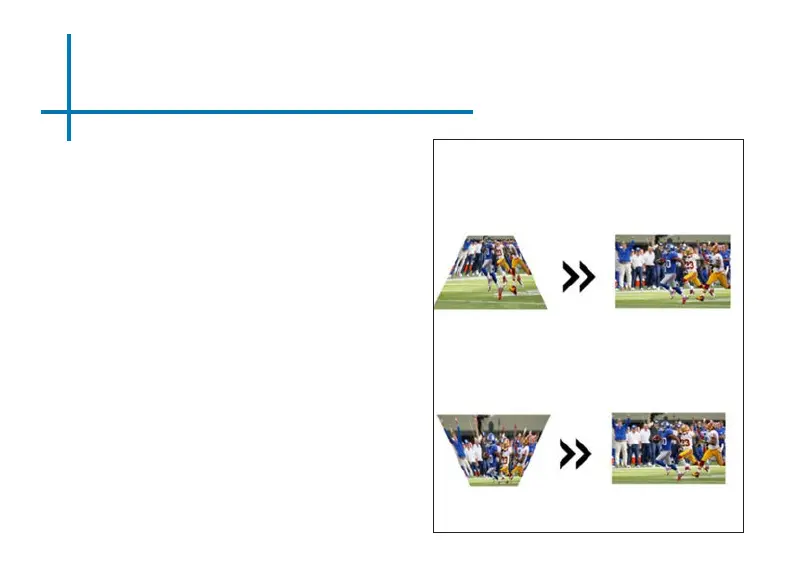
• If the image looks trapezoidal with the
base larger (as picture right), press the
top button on the directional pad on the
top of the M7 or the up button on the
remote control until the keystone eect
corrects and the picture turns into a
square projection.
• If the image looks trapezoidal with the
top larger (as pictured right), press the
bottom button on the directional pad on
the top of the M7 or the down button
on the remote control until the key-
stone eect corrects and the picture
turns into a square projection.















 To Next Page