Technical Details
Cannot Charge Smart Device / Power Bank Mode
Possible Causes Solution
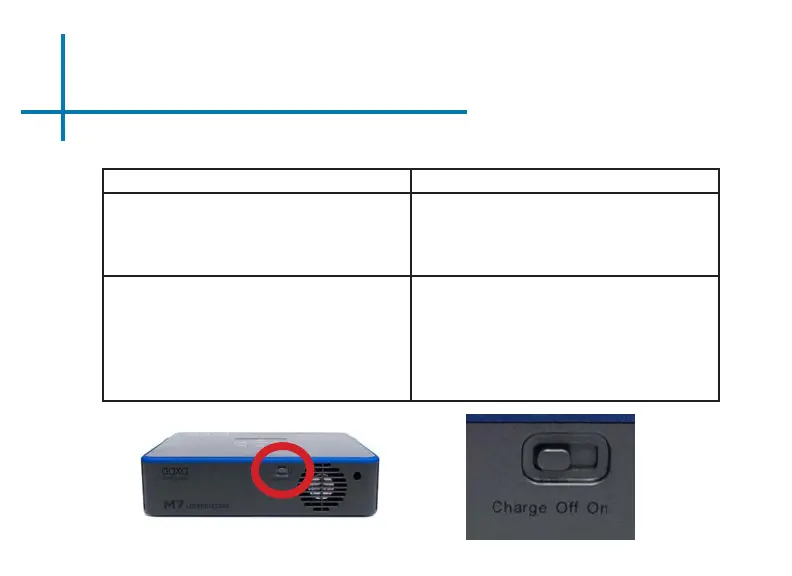
Projector is in the OFF mode. Find the Power Switch on the back of the projector.
Toggle the “Charge/ O/ On” switch to the “ON”
Position or the “Charge” Position.
The projector is in low battery. Connect the power cord to the M7. Connect the
other end of the power cord into the wall power
source. Toggle the “Charge/ On/ O” switch to the
“OFF” Position.
When the projector is fully charged, the LED light
on the side of the projector will turn green. Allow
approximately 3-4 hours to fully charge the the
projector.
Troubleshooting
41















 To Next Page