USB Drive
19
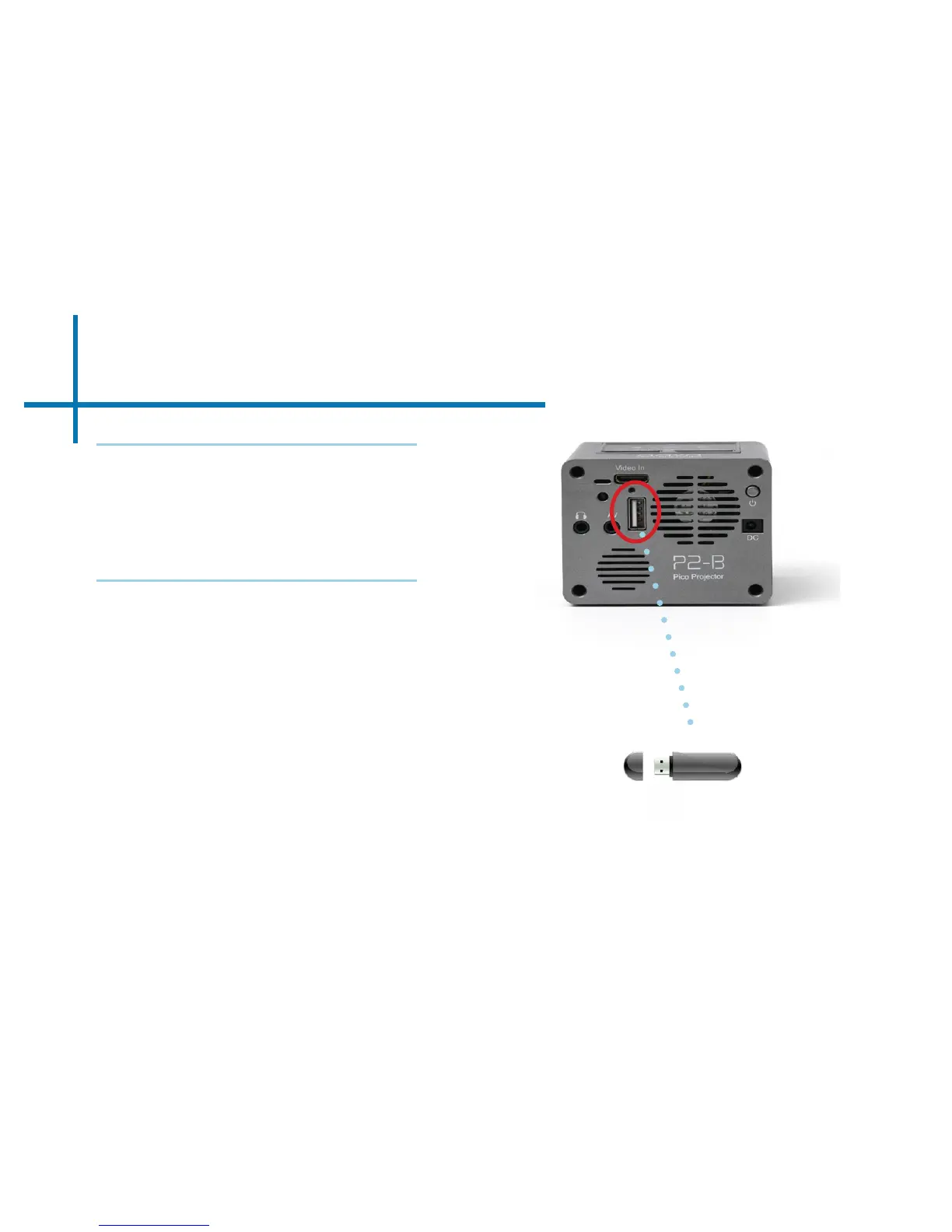
How to insert your USB Drive
How to access your USB Drive
• Insert your USB Drive into the
projector.
• Use the remote or touchpad to choose
the USB Drive icon from the main
menu to access your les.
• Choose your desired le.
• Slide your USB Drive into the USB
port.
• Gently slide the drive until it cannot
go in any further.
*Review the “Specications”
section of this manual to read
about the supported le
formats.
Microsoft Oce and PDF le formats are not supported
directly. In order to view a slideshow, you need to
convert your slideshow into JPEG pictures rst.
Note:














 To Next Page