Video Playback FAQ
How do I loop a video?
1. Choose either USB or TF Card for playback
2. Navigate the folders until you reach the le you wish to play.
3. Choose the le you want to play.
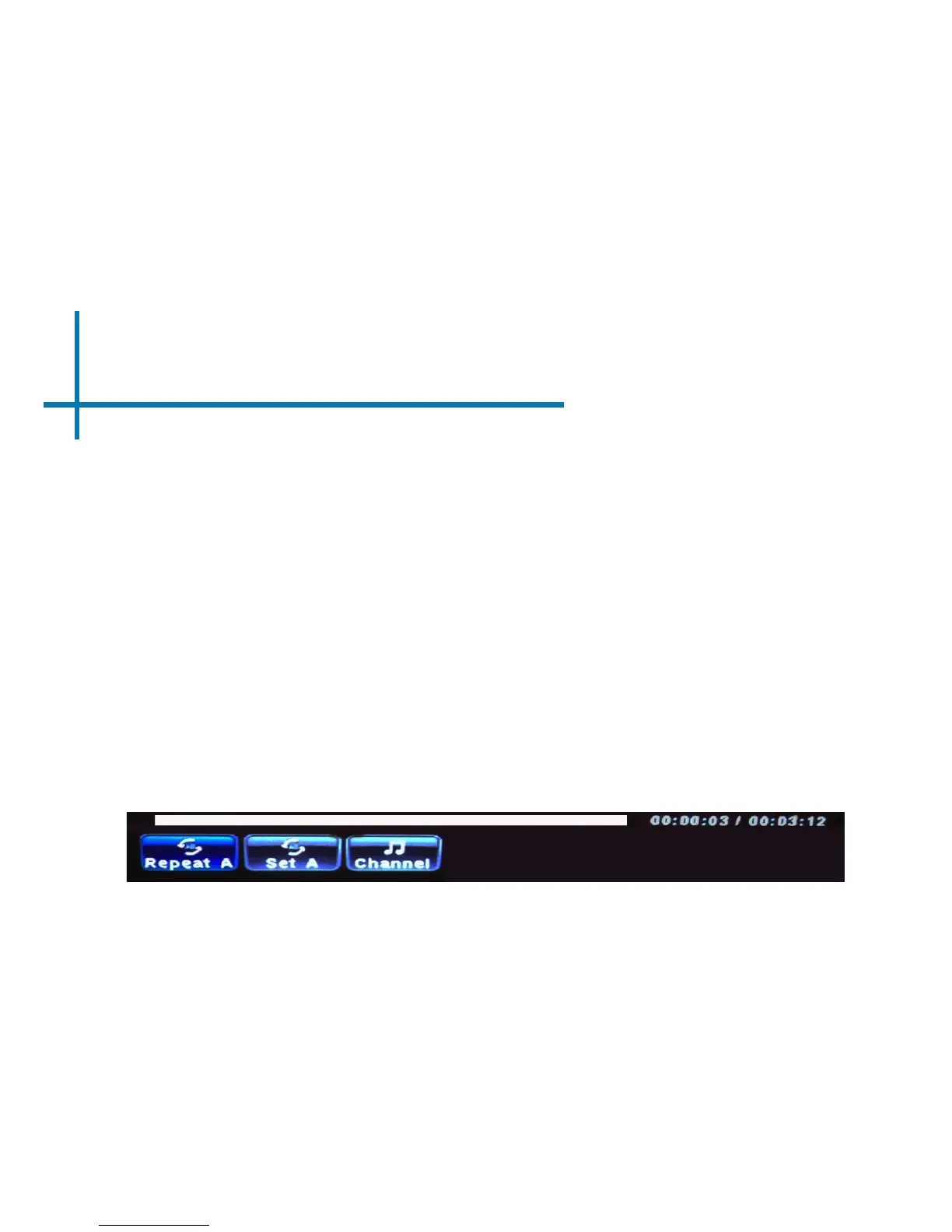
4. Press “OK” when video is playing, then move left on the video player
menu to select “Repeat” and press “OK” until it shows “Repeat 1.”
5. The video will now loop after playback is nished.
26














 To Next Page