29
Photo Sub-Menu
Viewing Pictures:
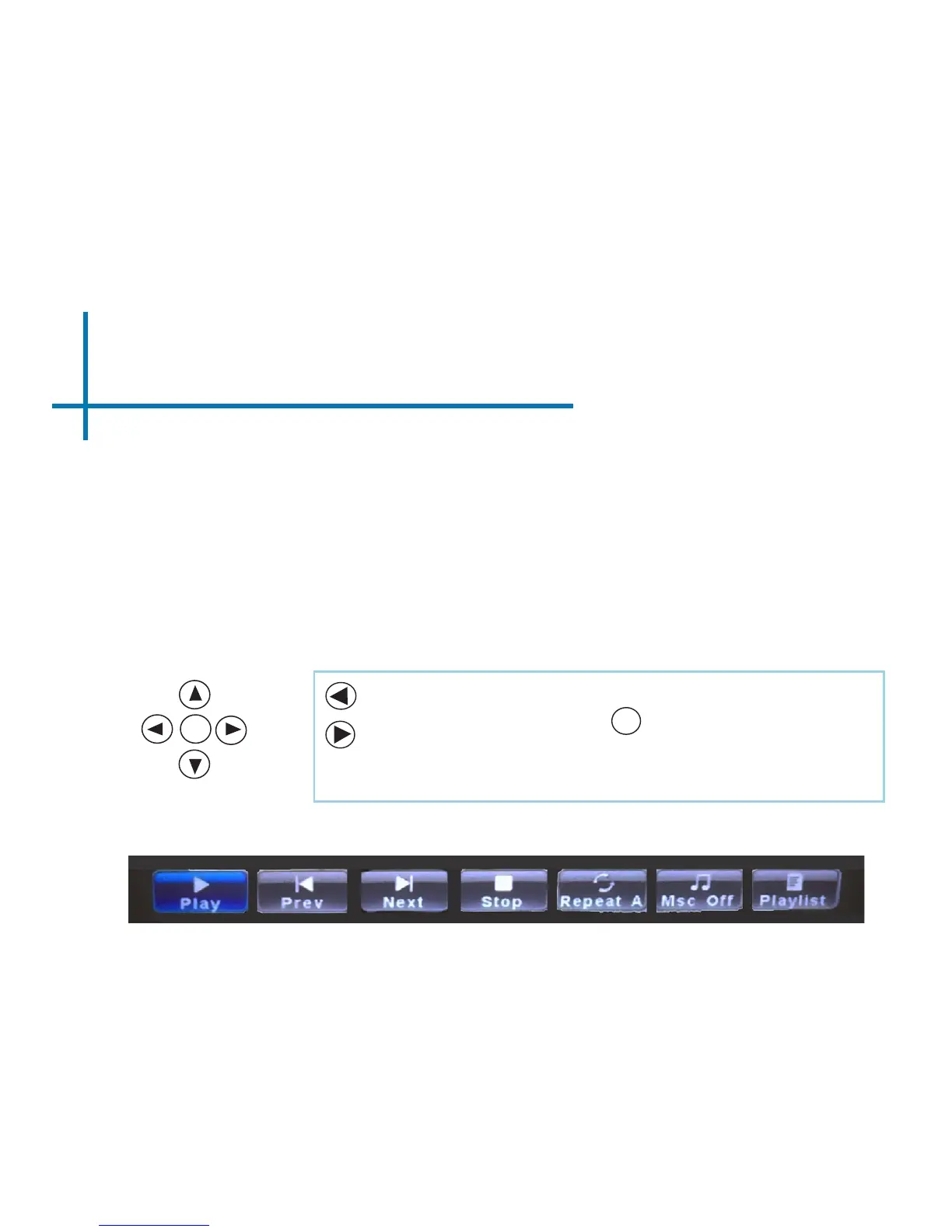
After pressing “OK” during picture slide-show playback, the Photo Sub-Menu
appears. To exit the Photo Sub-Menu, press the “Down” arrow on the remote or
touchpad. Every picture is able to be rotated and zoomed in or out based on the
option you wish to choose on the Sub-Menu. To navigate the Sub-Menu, use the
remote or touchpad to move selection (Fig 3.6).
Fig 3.6
Move selection left
Move selection right
Conrm selection
OK
OK














 To Next Page