14
Video Player Menu
While Playing Videos
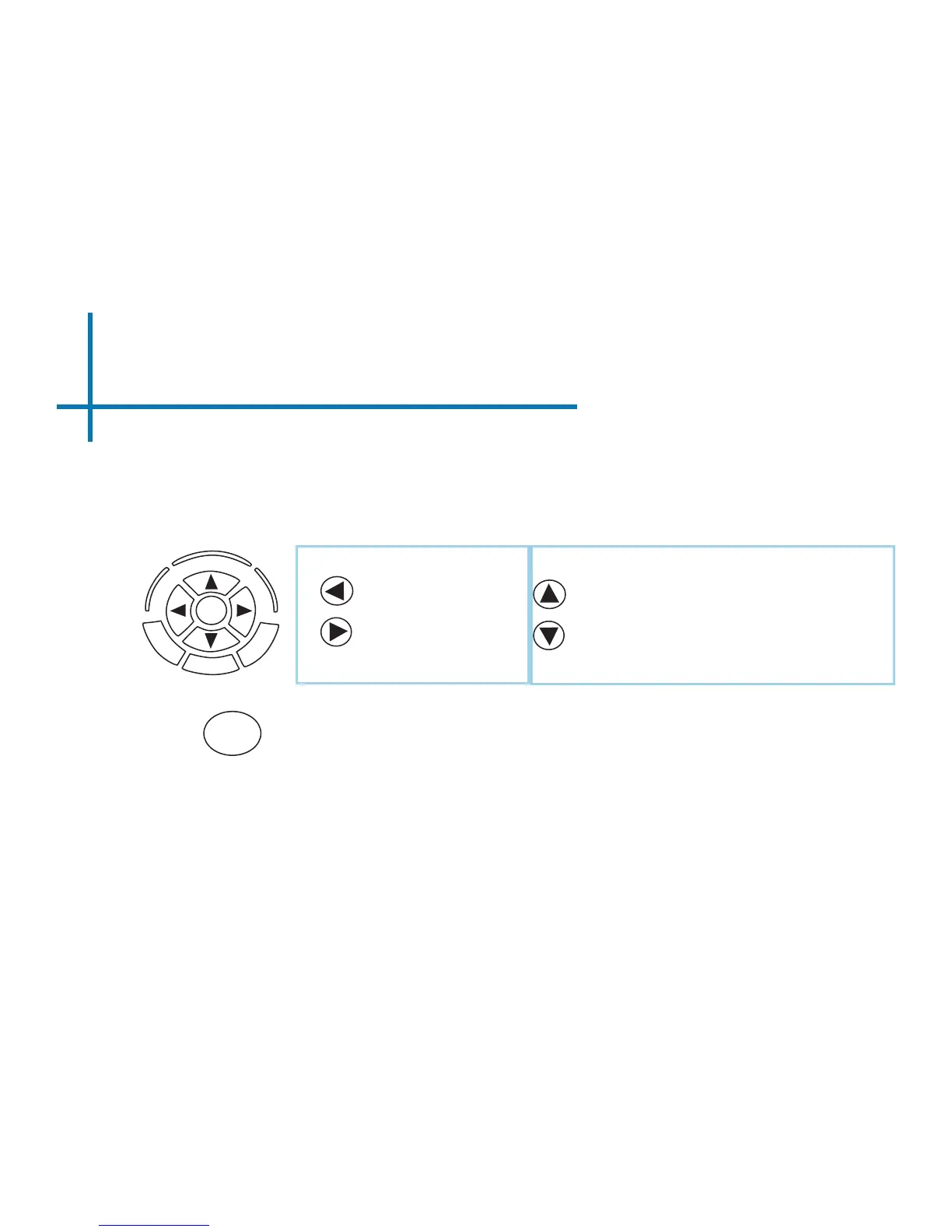
While playing videos, the volume and keystone are adjustable. Further controls
are available in the video player submenu - which is accessed through the “OK”
button.
Volume Down
Volume Up
OK
OK
Enter Video Player Submenu
• To open/hide the video playback menu, use the
“OK” and “Back” Buttons on the projector.
Positive Keystone Adjustment
Negative Keystone Adjustment















 To Next Page