15
Video Player Submenu
Playing Videos
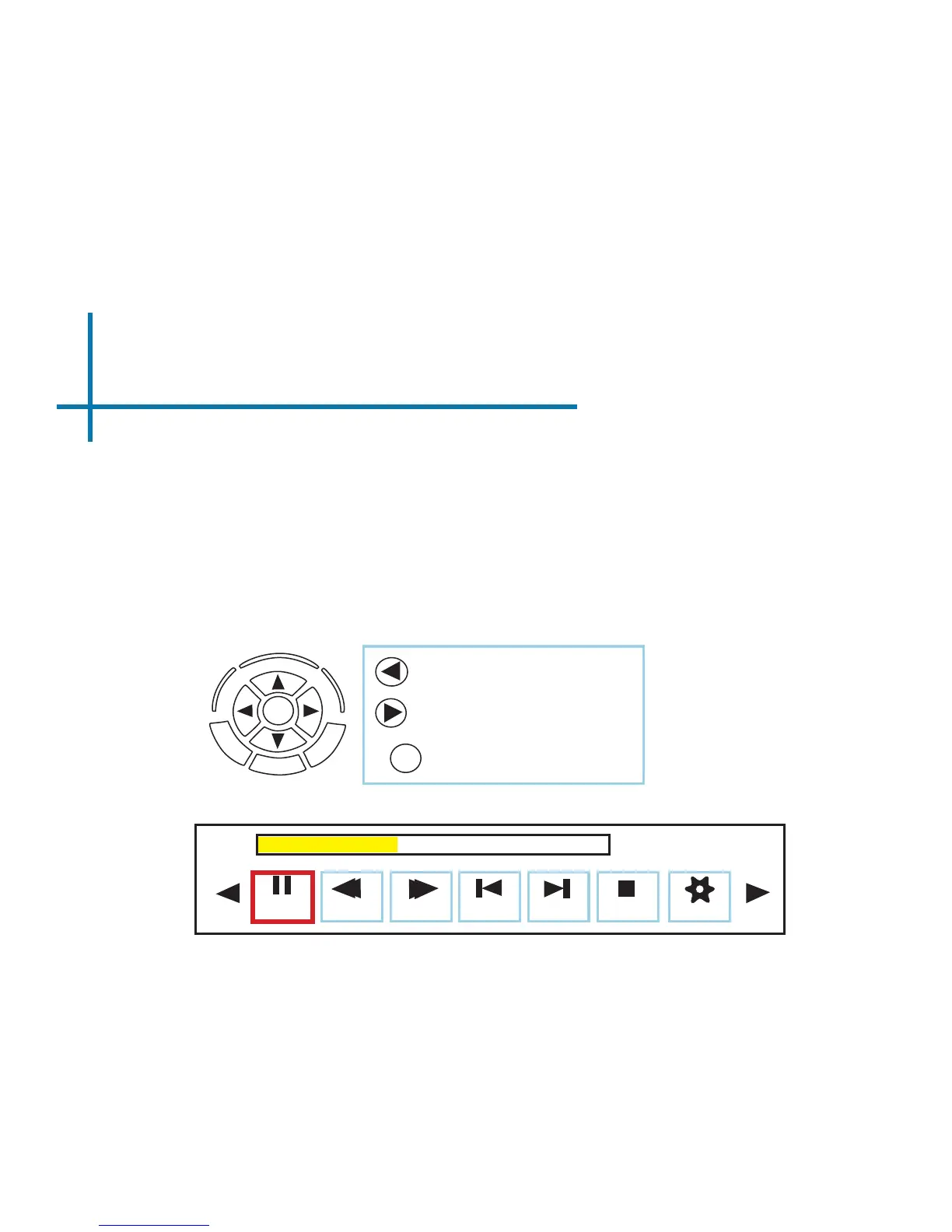
The Video Player Submenu can be accessed by pressing “OK” during video
playback. To exit the Video Player Submenu, press the “Back” button or wait
5 seconds. To navigate the Playback Menu, use the directional buttons on the
navigation pad or remote to highlight the option you wish to choose (Fig. 3.5).
Move selection left
Move selection right
• To open/hide the video playback menu, use the “OK” and “Back” buttons on the projector.
OK
Fig. 3.5
Pause
FB
FF
Prev. Next Stop Aspect
00:00:59 / 00:04:20
Conrm selection
OK















 To Next Page