37
Set the Timeshift if need to save in USB device.
Timeshift To Record
It allows you to whether add the content of auto timeshifted into recorded file or not.
Play Start Pos
When playing the PVR file, set the Play Start Pos whether head of the file or last pos
(Stop play by manual last time) of the file.
8.3 Play Files
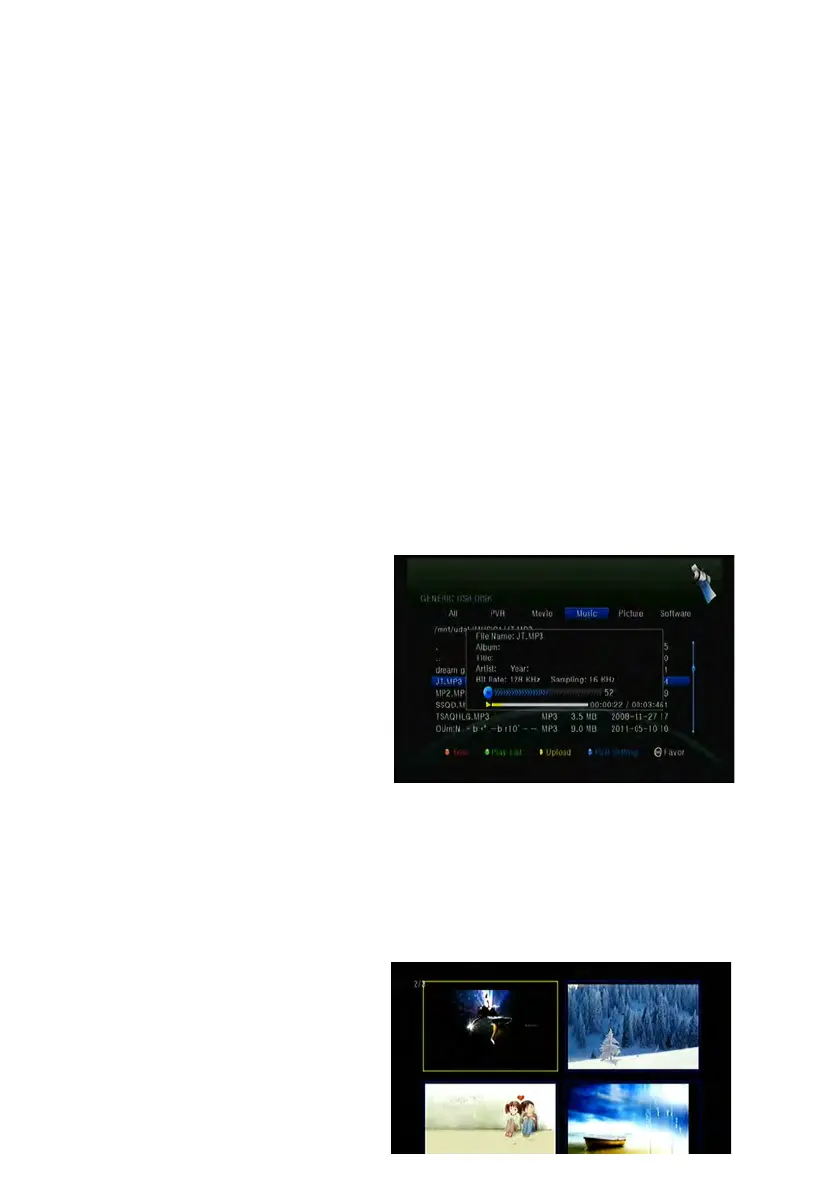
1. Music
1) Press the ◄/► to highlight the Music.
2) Press the ▲/▼ to change the folder or file and press the OK button to open the
folder or play the music file.
OK: Play the selected file.
▲/▼: Change the highlighted item.
►: Play the file.
■ : Stop playing file.
I◄◄: Play the previous file.
►►I: Play the next file.
◄◄: Fast rewind.
►►: Fast forward.
PAUSE/||: Pause.
VOL+/VOL-: Adjust volume.
EXIT: Exit playing state and return to file list menu.
2. Picture
1) Press the ◄/► to highlight the
Picture.
2) Press the ▲/▼ to change the



 To Next Page