46
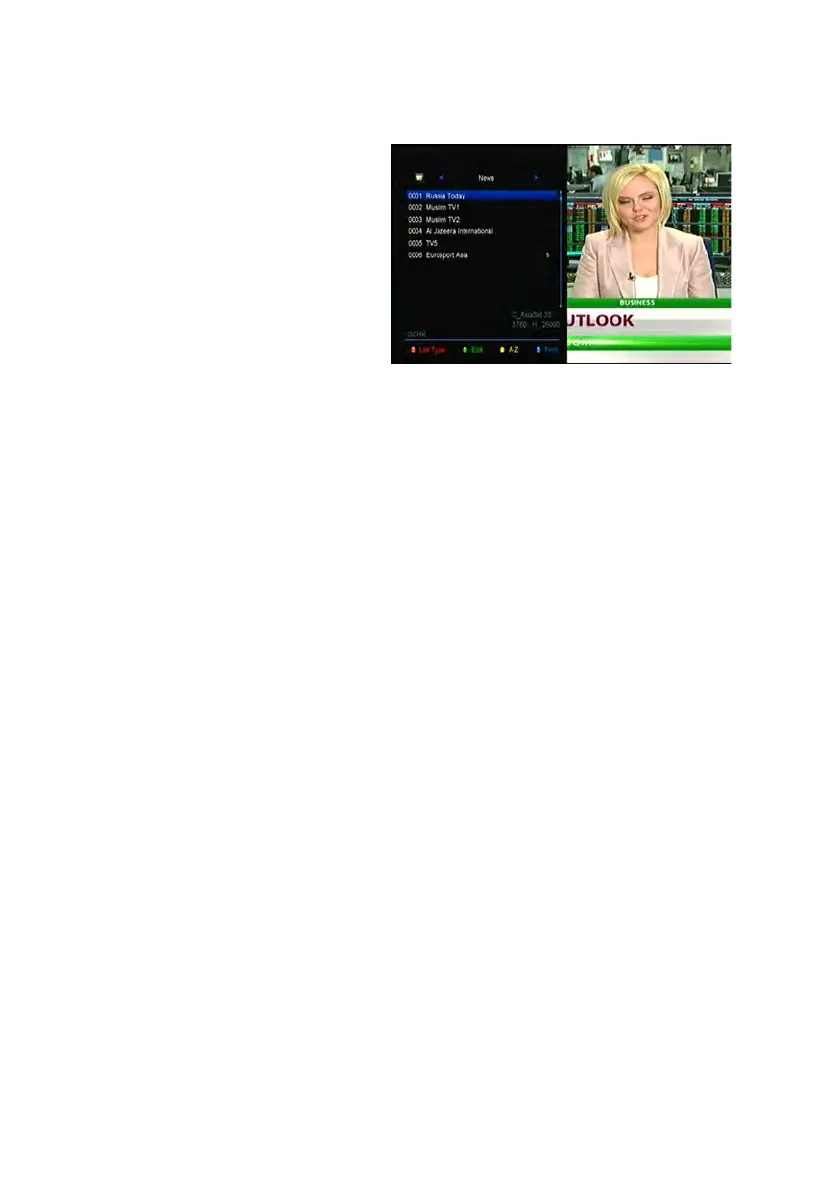
1) If you have set several favorite
lists, press the FAV button can enter
the favorite list.
2) Press the ◄/► button to
change different favorite list and
press the OK button can select the
a program in current favorite list.
3) Press the RED button to sort
the channels of the favorite list.
4) Press the GREEN button to manipulate the favorite list channels (move, delete,
rename, lock/unlock, swap the channels of the favorite list).
5) Press the YELLOW button can help you find out channels quick by their first
name.
6) Press the BLUE button can help you quickly find the channel you want.
Note: If you selected a favorite list, press the CH+/CH- button can only change the
channels in this favorite list and press the OK button can only display the channels in
this favorite list.
11. USB Control
11.1 Recording and Timeshift
1. Start Recording
1) You can press the ● button to start recording while watching program.
2) If you have set the timer, and set the Time Record on, it will start recording
automatically according to the start time of the timer.
2. Stop Recording



 To Next Page