bdiGDB for BDI2000 (PowerPC 7440/7450/86xx) User Manual 10
© Copyright 1997-2015 by ABATRON AG Switzerland V 1.13
2.4 Connecting the BDI2000 to Host
2.4.1 Serial line communication
Serial line communication is only used for the initial configuration of the bdiGDB system.
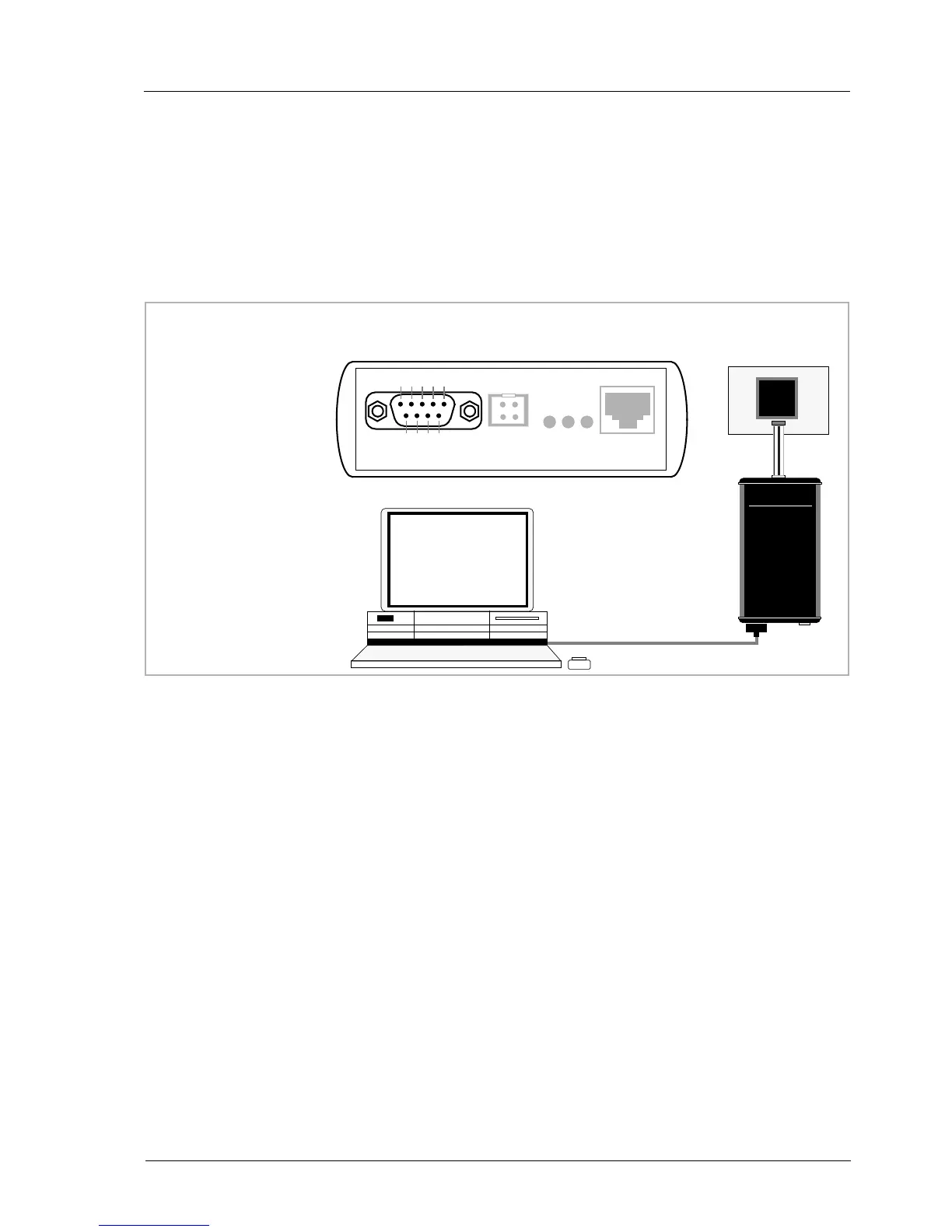
The host is connected to the BDI through the serial interface (COM1...COM4). The communication
cable (included) between BDI and Host is a serial cable. There is the same connector pinout for the
BDI and for the Host side (Refer to Figure below).
RS232 Connector
(for PC host)
BDI2000
Target System
RS232
Host
1 - NC
2 - RXD data from host
3 - TXD data to host
4 - NC
5 - GROUND
6 - NC
7 - NC
8 - NC
9 - NC
RS232 POWER LI TX RX 10 BASE-T
54321
9876
PPC


 To Next Page