Running Controls
Controls are run to assess if the analyzer is maintaining calibration.
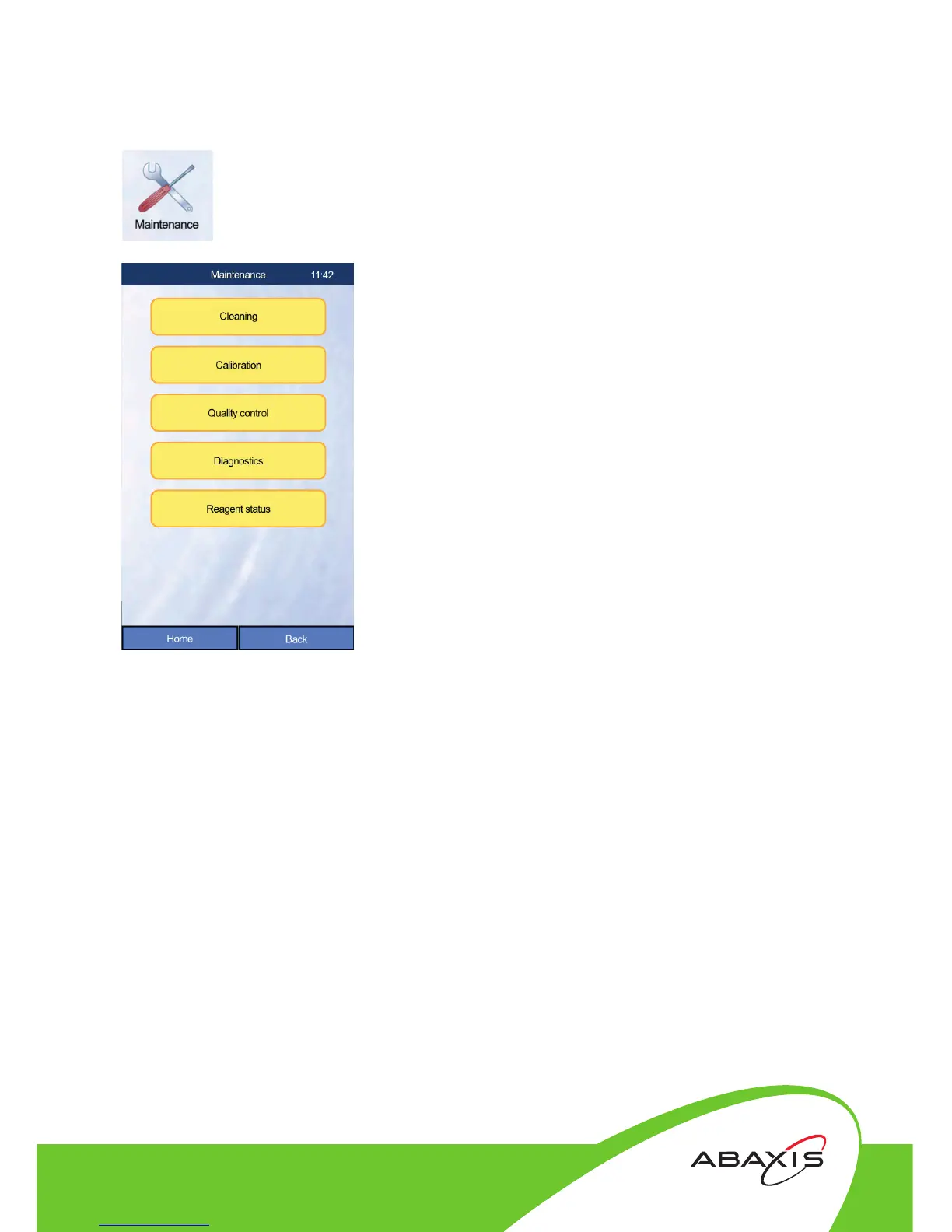
• Touch the Maintenance icon.
• Touch the Quality control button.
• Touch the QC level (e.g. QC Normal) that will
be used.
• Touch References to load the assay and gap values
• Enter QC values (choose one of three methods):
a. Enter manually - values can be entered by
hand by touching the appropriate fields.
b. Enter by USB pen drive - the QC values file
can be loaded by inserting the USB drive into
a USB port and touching Load.
c. Enter by Barcode reader - press Load
Datamatrix on the Quality Control screen.
Scan the 2D barcode on the QC package insert.
• View table of QC databases.
• View QC diagram (for a Levy-Jennings graphic
representation of the QC history).
• If the QC results were within range, proceed
to running samples. If the QC was out of
range, repeat QC run. If the QC is repeatedly
out of range, proceed to calibration.
(see Calibrating the Analyzer).
Closer to Care.



 To Next Page
 Loading...





