Field and Software Tools
CalMaster2 and CheckMaster 7 Registration
42 IM/VCM2 Issue 6
2. Complete the form and press 'Next'. An e-mail response is sent containing the Username
and Password.
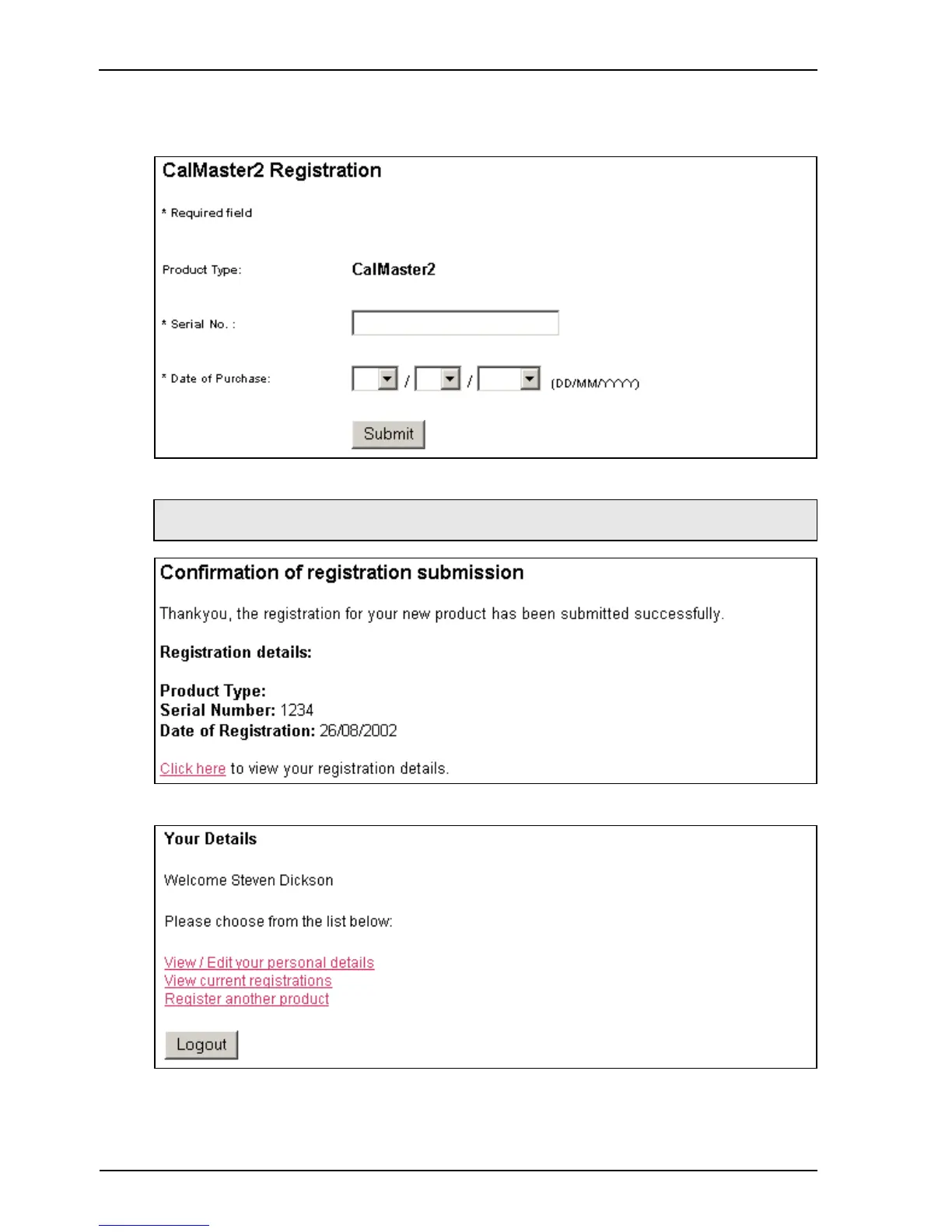
The registration for the selected product appears:
3. Type the Serial number and Date of Purchase. A confirmation appears:
4. Click the link to view registration details.
Note. If the date of purchase is not known, use the date of installation.



 To Next Page